
Get Bearings Plus
Your parent's care documents and plan, in one place.
Keep the paperwork everyone asks for, invite the family members who help, and track the top benefit matches from your Get Bearings Report. Every file you upload is encrypted before it is stored.
Already have a Get Bearings account? Sign in.
Explore Plus
What is Get Bearings Plus?
Get Bearings Plus is a subscription vault where your family keeps care documents, shares them with the family members you choose, and tracks the top benefit matches from your Get Bearings Report. It costs $9/month or $89/year. Every file you upload is encrypted before it is stored.
01 / 05
Documents
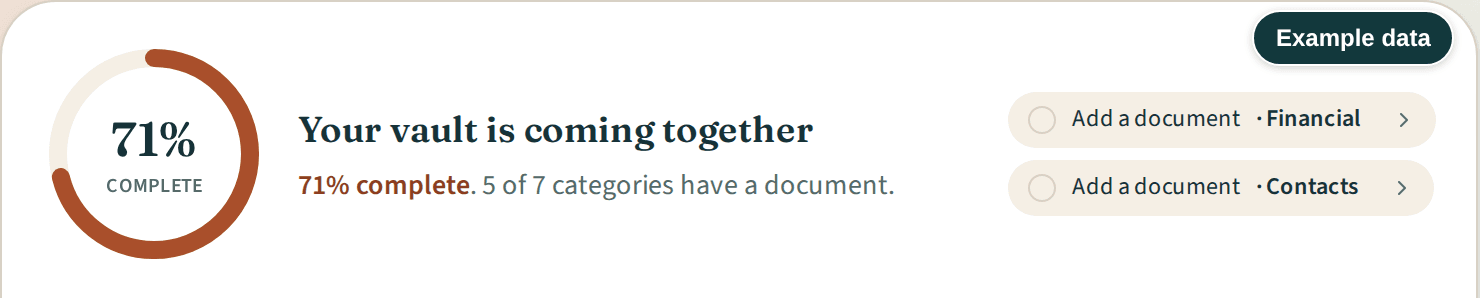
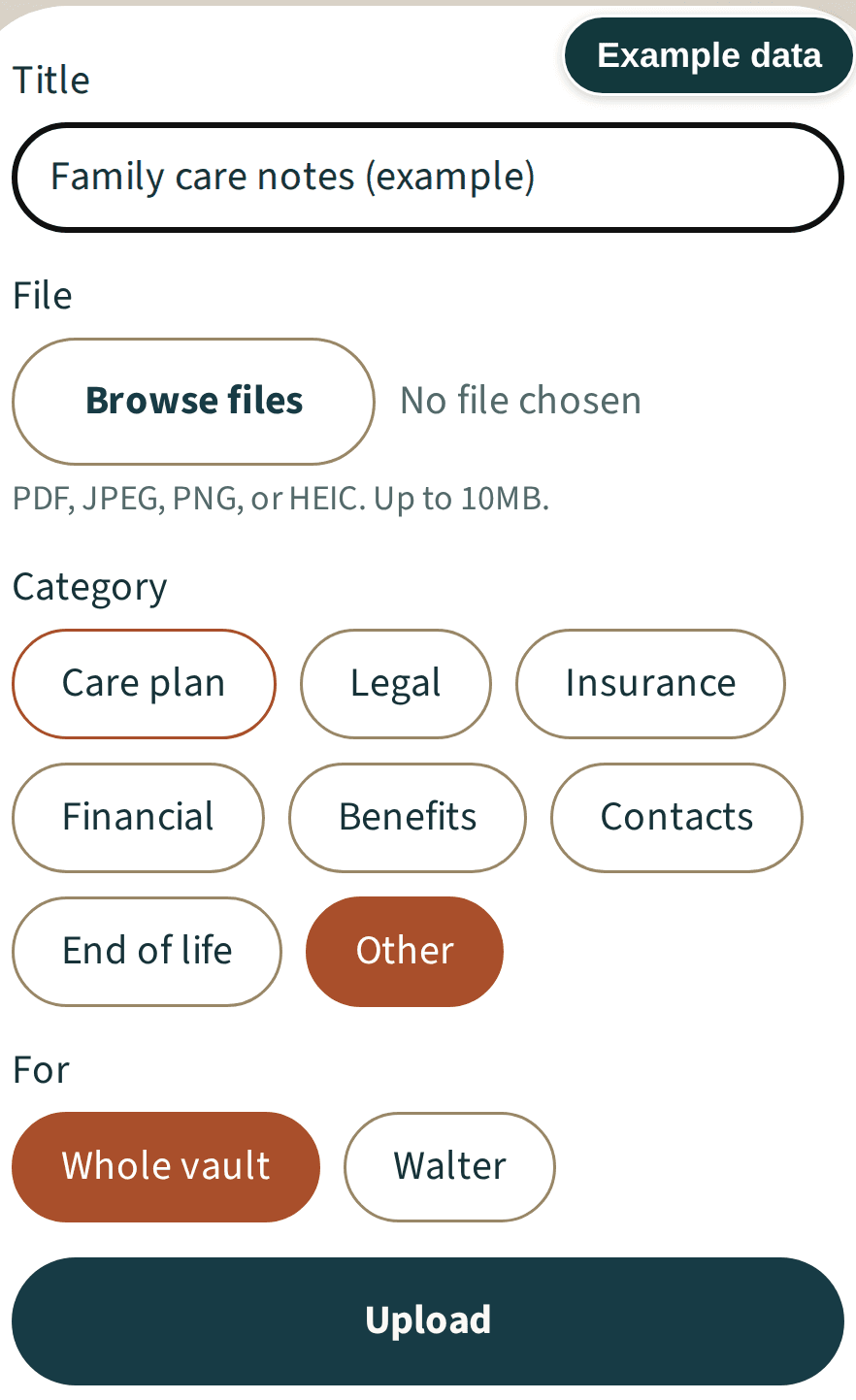
Upload PDFs and photos and file each one under a category you choose. A ring shows how many of the seven categories hold a document, and a "Still to gather" line names the empty ones.
More details about Documents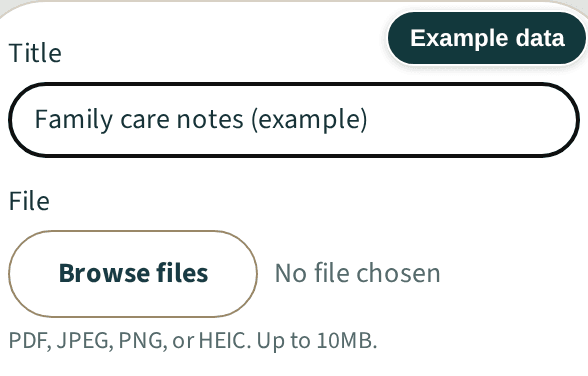
02 / 05
Family access
Invite family members by email to your whole vault, one person's file or single documents, and choose who can comment. You can remove invitations in Family access while Plus is active and after it expires or you cancel.
More details about Family access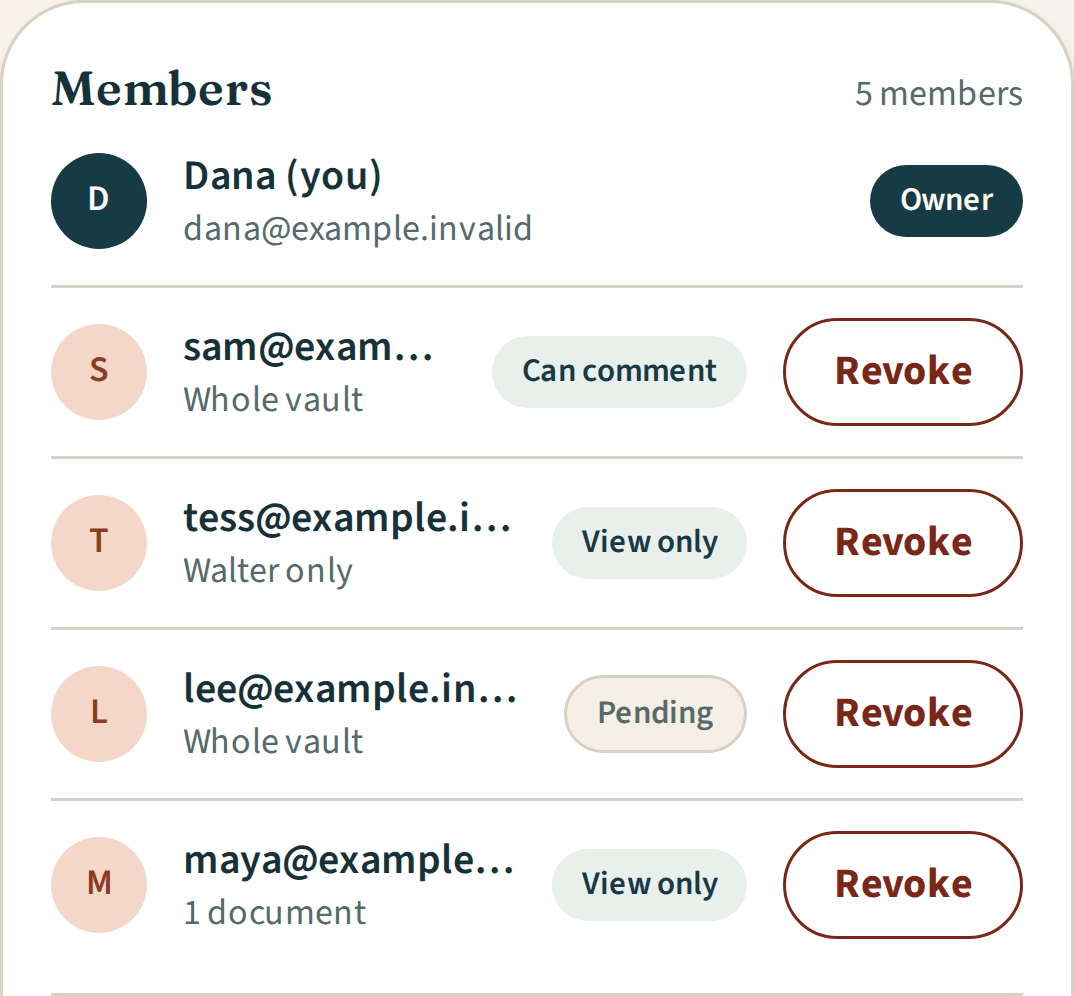
03 / 05
Benefits tracker
Start a benefits tracker from your Get Bearings Report and track its top benefit matches and additional programs from To do to Done. Steps show forms or contact details where available.
More details about Benefits tracker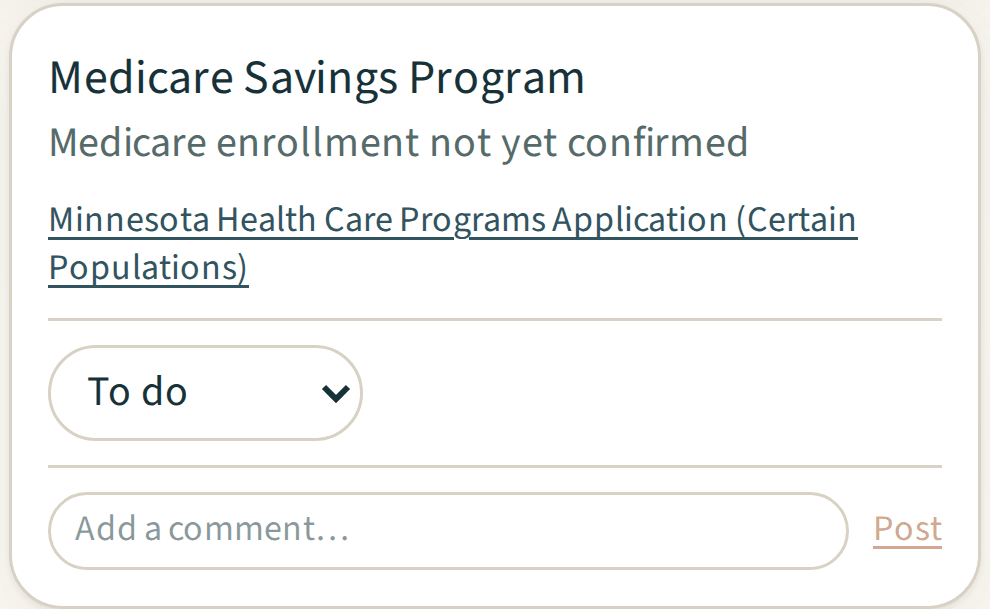
04 / 05
Comments and updates
Comment on documents and care steps and post to the family wall. Email alerts never include what was written.
More details about Comments and updates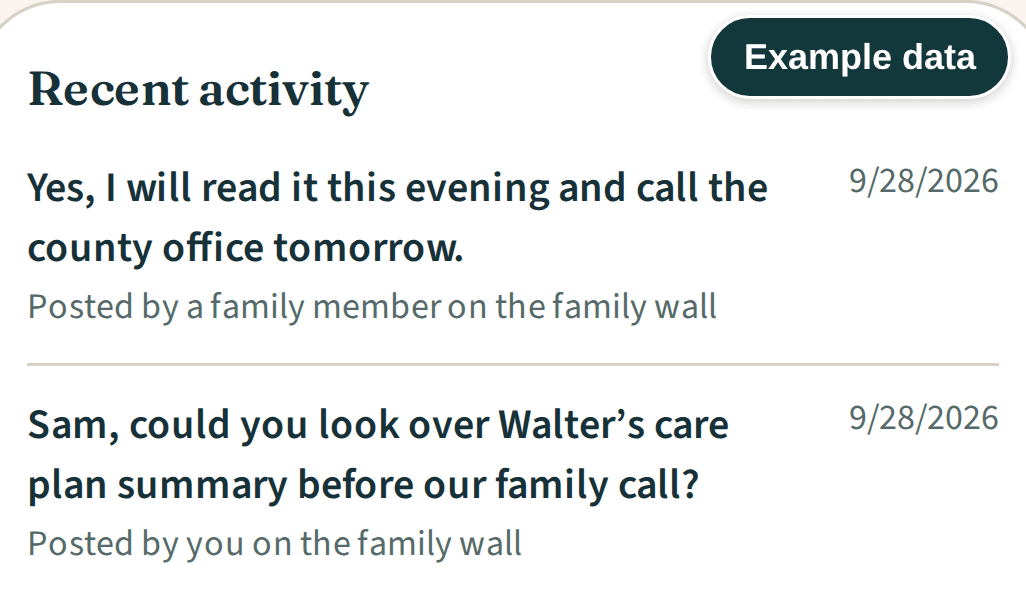
05 / 05
Guidance
A checklist for the first days after a death, the legal and financial side, and closing accounts, inside your vault.
More details about Guidance

Getting started
How it works
Get Plus.
Sign in with a link sent to your email. Your vault opens once payment is confirmed.
Add your documents and your plan.
Upload what you have and file it by category. If you have a Get Bearings Report, start a benefits tracker from it.
Bring in your family.
Invite family members by email and choose what each one sees and whether they can comment.
Who can I share my vault with?
Anyone you invite by email. You choose the whole vault, one person's file or single documents, and whether each guest can comment. You can remove invitations in Family access while Plus is active and after it expires or you cancel. If someone has more than one invitation, remove each one. Guests sign in with a link sent to the email address you invited, and they do not need their own Plus.
With your Get Bearings Report
The Get Bearings Report is free. When yours is ready, start a benefits tracker to follow its top benefit matches and additional programs from To do to Done.
Pricing
How much does Plus cost?
Get Bearings Plus is $9/month or $89/year. It starts with 30 days free, on monthly or yearly billing. Creem asks for your card details when you subscribe and schedules automatic billing to start when the 30 free days end, at your plan's monthly or yearly price. Plus renews monthly or yearly, with your renewal date in your account settings.
Monthly
$9/month30 days free, then $9/month.
For up to 5 people you care for.
Annual
$89/year30 days free, then $89/year.
Best value: save $19, about two months free.
For up to 5 people you care for.
- AES-256-GCM encryption for every file you upload, a separate key per user
- No limit on documents or guests
- Your report's top benefit matches and additional programs, in a benefits tracker
- Renews monthly or yearly, with your renewal date in your account settings
- Cancel anytime
What does Plus include?
Both plans include every feature: documents, family access, the benefits tracker, comments and updates, and guidance. Every file you upload is encrypted with AES-256-GCM, with a separate key per user. There is no limit on documents or guests. Download your files one at a time, or request a copy of your account data from your account settings.
How do I cancel Plus?
To cancel, choose Cancel subscription in your account settings. If your subscription is managed by our team, contact us. Your Plus stays active until the end of your current subscription period. After that, you can still read and download your documents and request an account export. Guests can still view what you shared, but cannot comment. You can still remove their access.
What we never do
We never charge referral fees or take a cut of an inquiry, a tour or a move-in.
Care communities can't pay to change your benefit matches, estimates or action roadmap.
We don't sell your data or share it for advertising. When you send an Iris inquiry, the community receives your first name and message. You choose whether to share supported benefit results.
We don't file claims or represent you, and we don't charge a fee for VA claims help.
Security
How your documents are protected
Encrypted before it is stored.
Every file you upload is encrypted with AES-256-GCM, with a separate key per user, not one shared key for every vault.
Keys protected by AWS KMS.
Each account's file key is locked with a master key kept in AWS KMS, Amazon's key management service, and automatic rotation is turned on for that master key.
Our support tools can't open your files.
A support "view as" session needs a written reason, is logged, ends after 30 minutes, and cannot download your files, read comments or export your data.
No public link.
The people you invite sign in with the email address you invited, and they see only what you shared with them.
Download your files.
Download your files one at a time, or request a copy of your account data from your account settings.
Questions, answered