
Team and communities
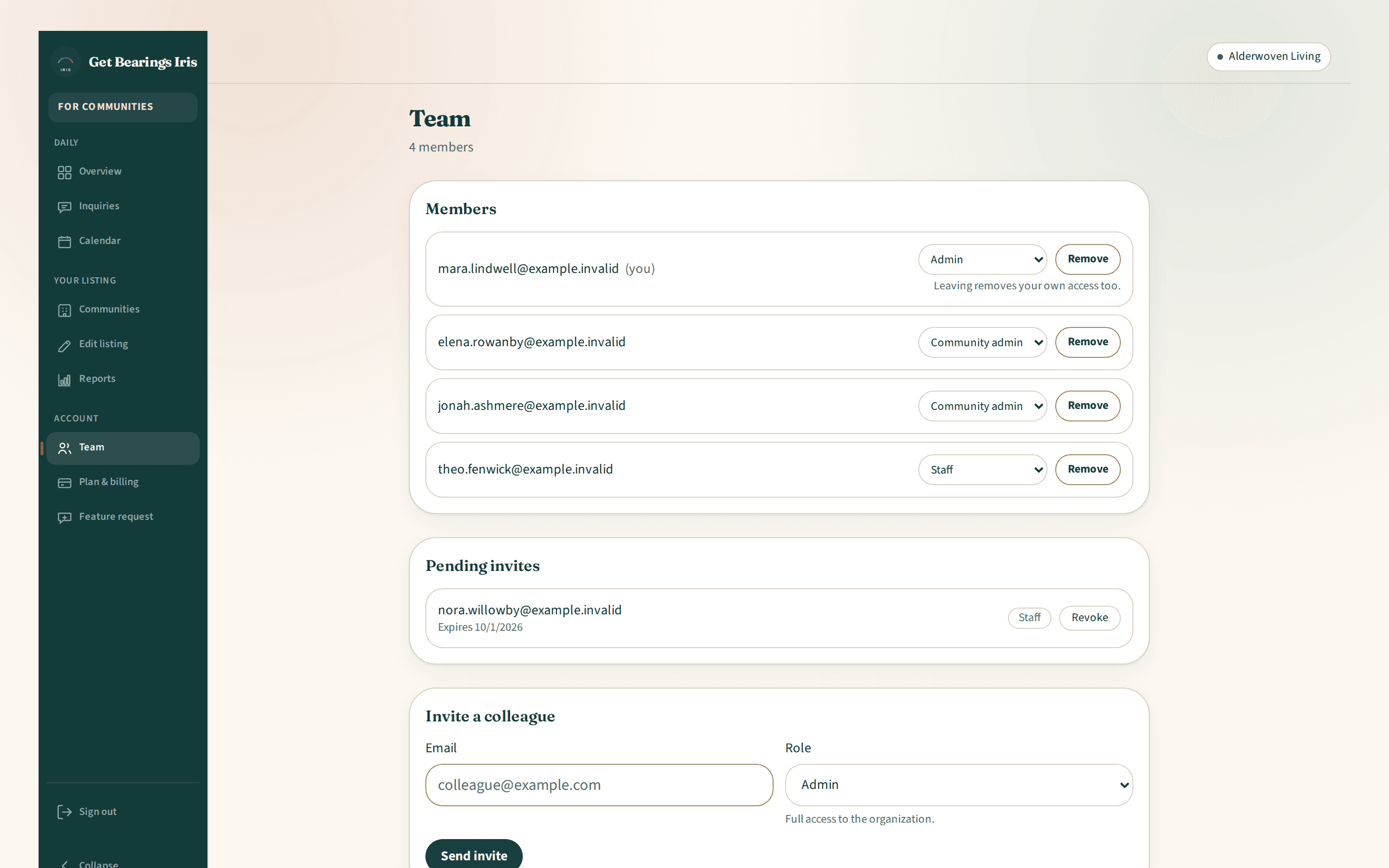
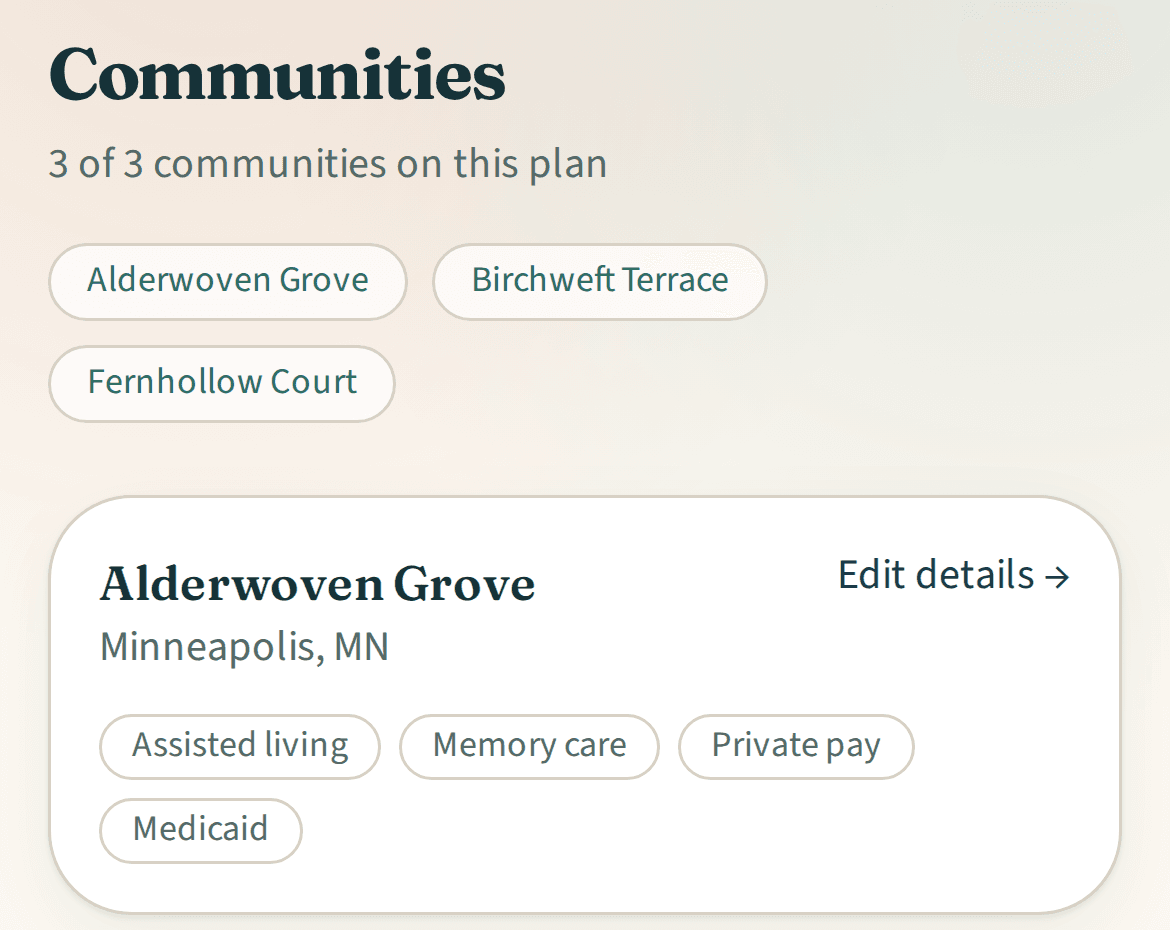
Manage your team and communities in one account.
Invite colleagues with the permissions they need and run several communities side by side. On paid plans.
List your community free
Get a quote
for 4 or more communities
Team and communities
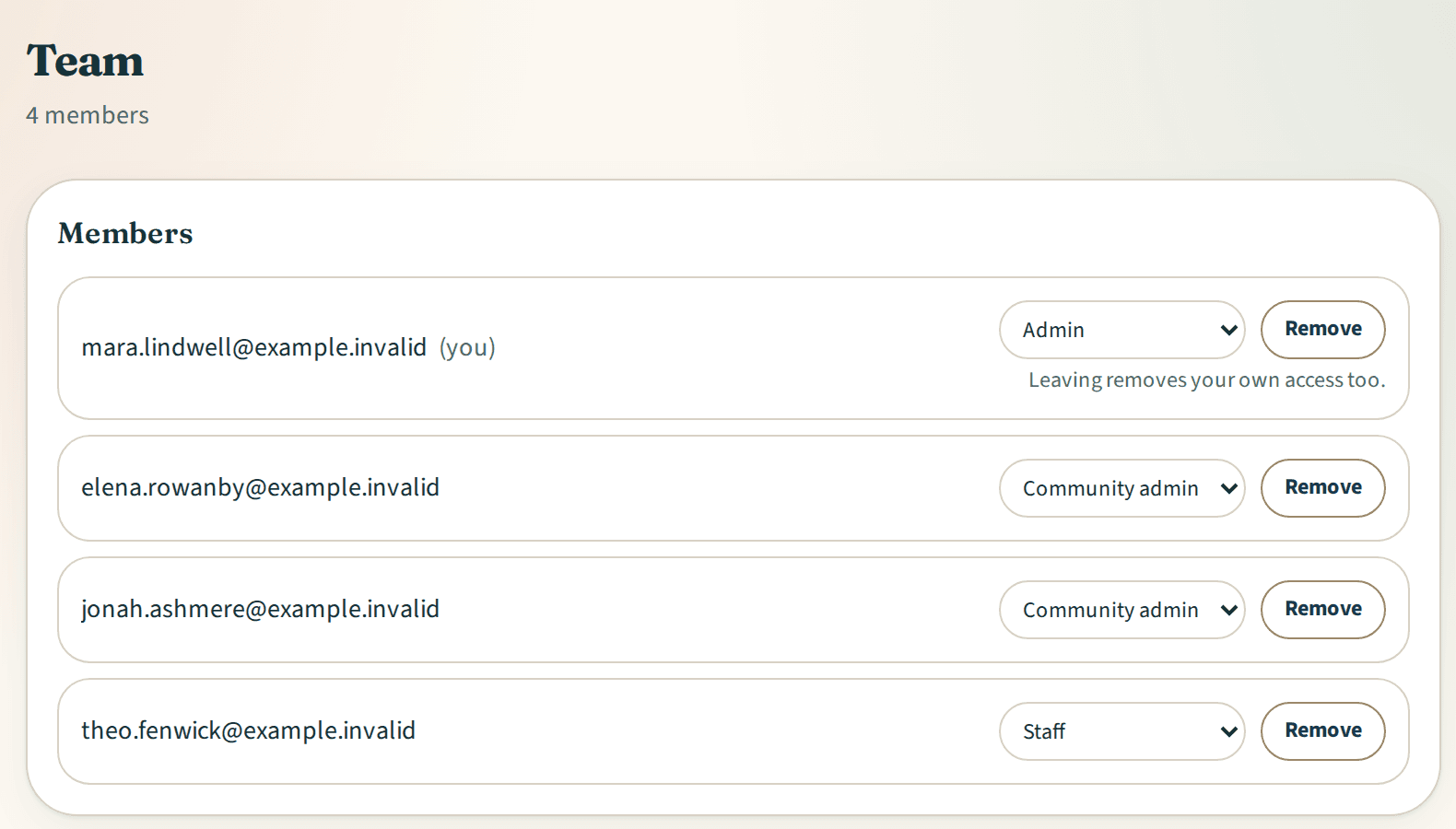
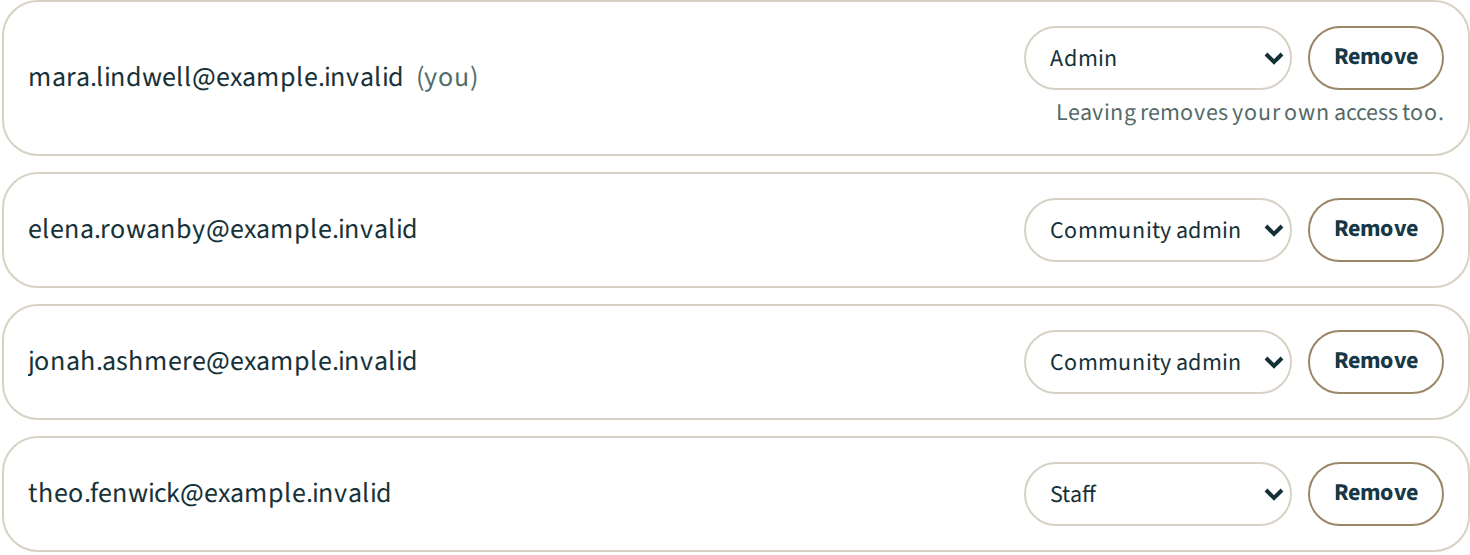
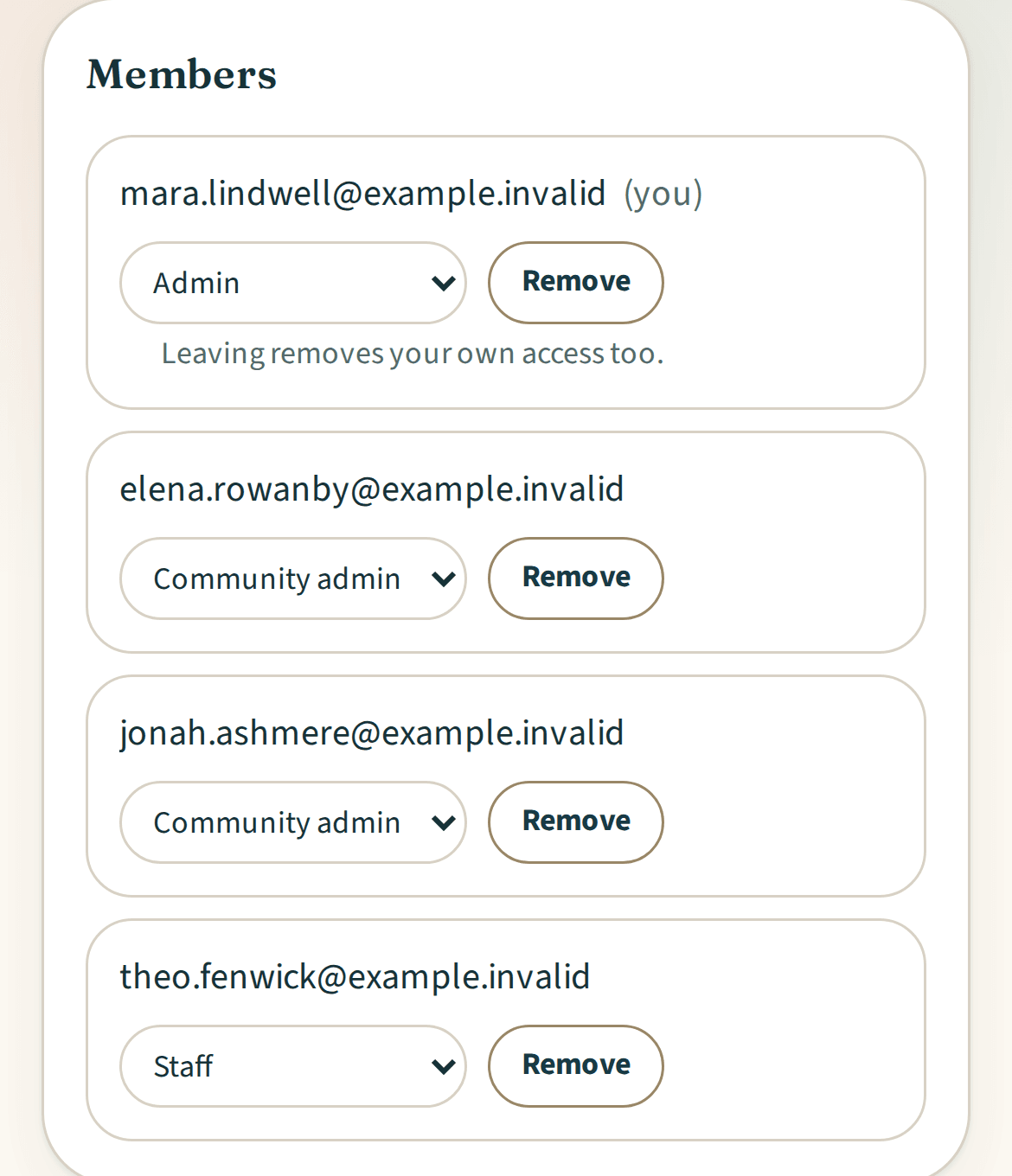
Three roles
- Company admins manage the organization, billing and team access.
- Community admins edit listings and lead stages and schedule tours for the communities they are assigned.
- Company admins and a tour's current assignee can update that tour.
- Staff reply to inquiries and add manual leads.
Team and communities
Invite by email
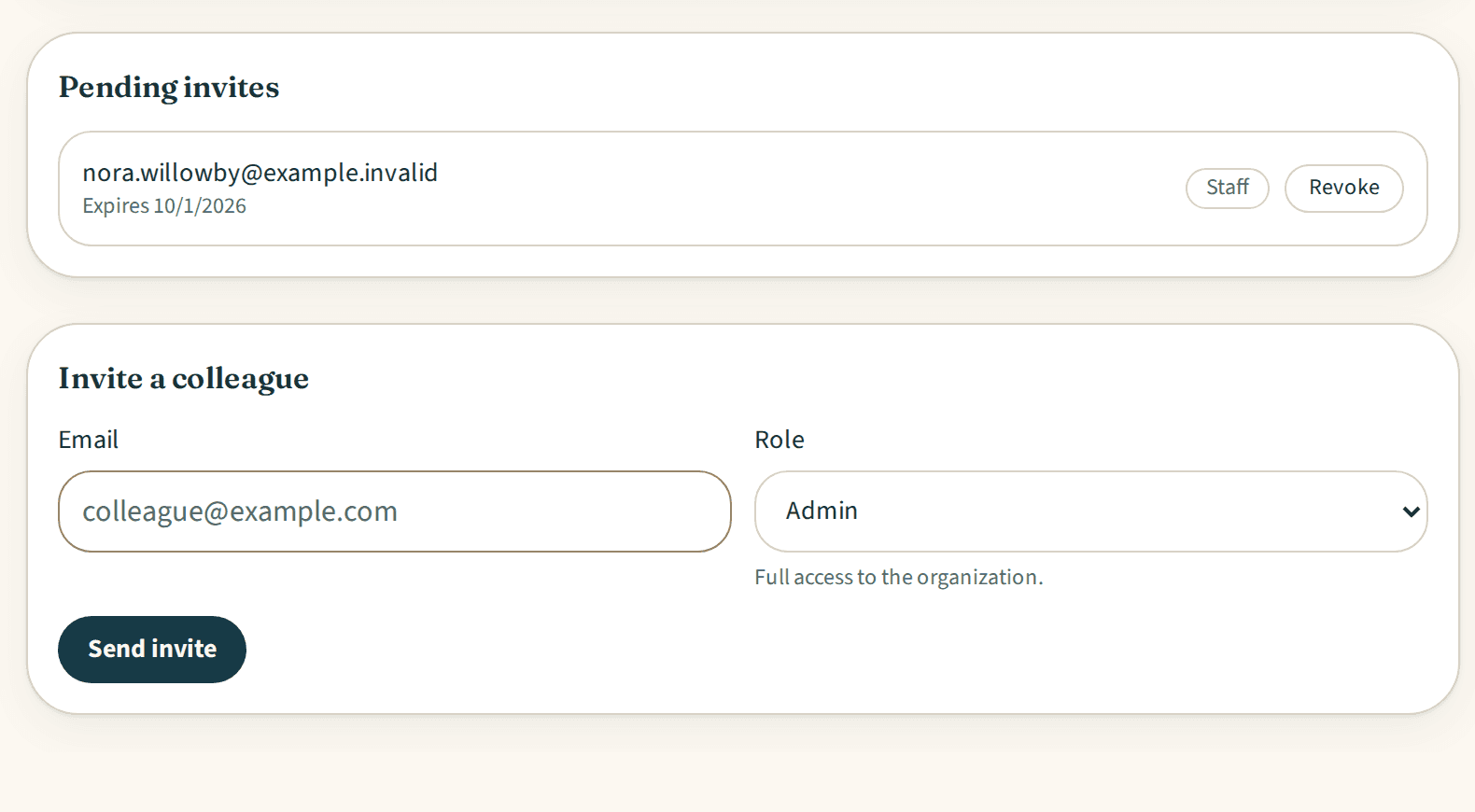
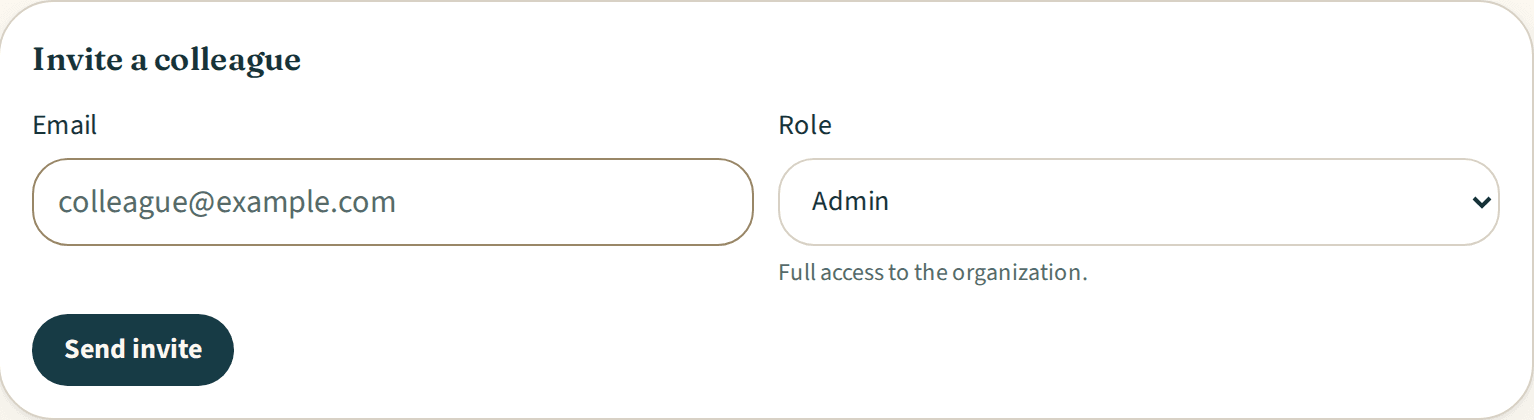
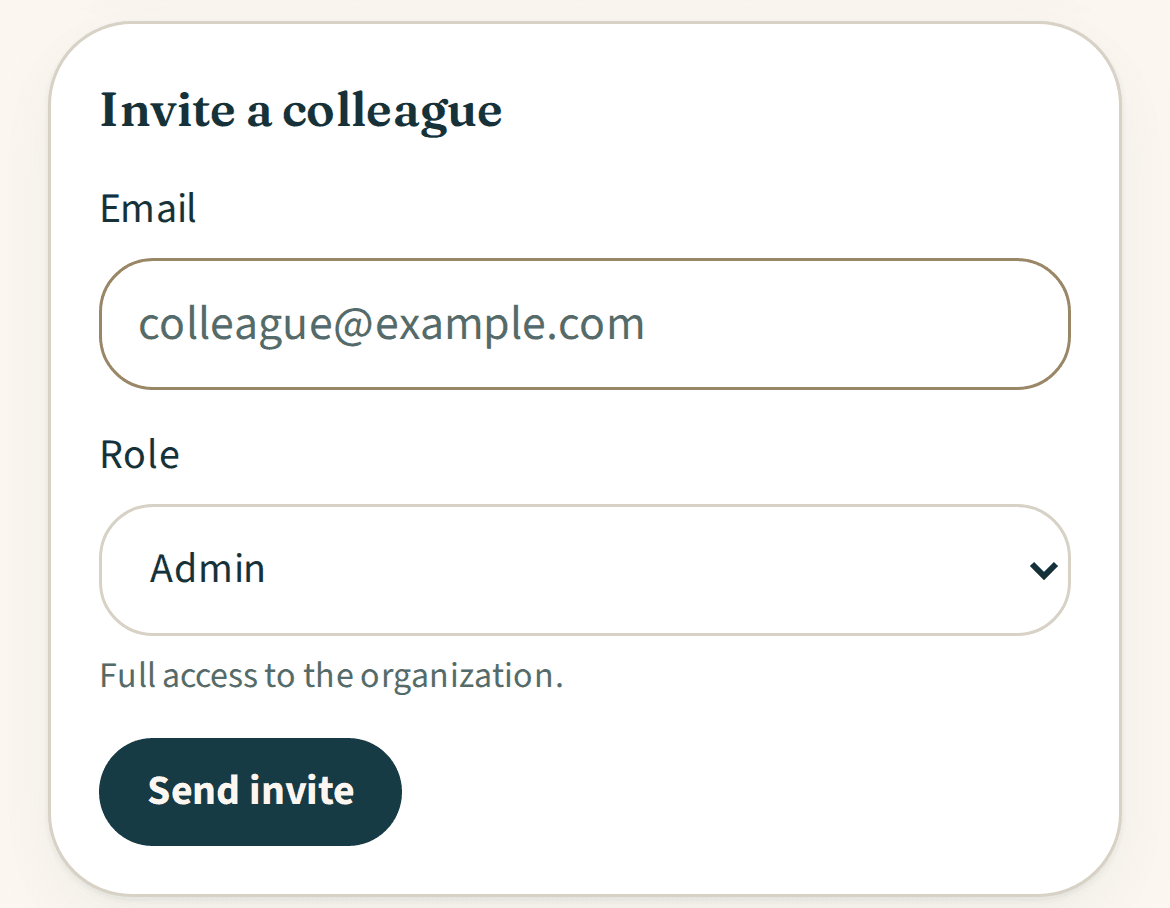
Company admins invite colleagues in any role. Community admins invite staff to the communities they manage. Invitations are single-use links for the invited address.
Team and communities
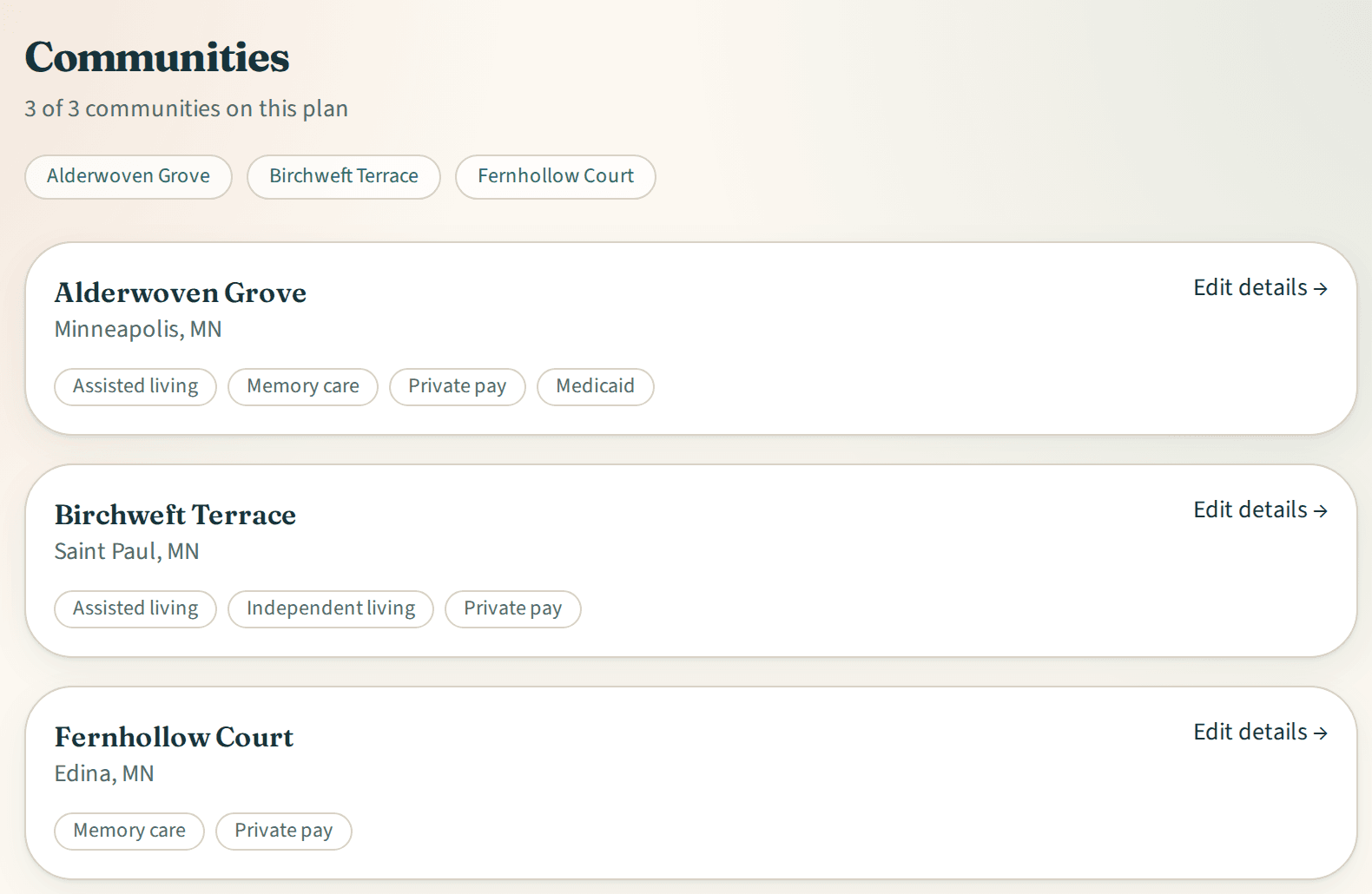
Several communities
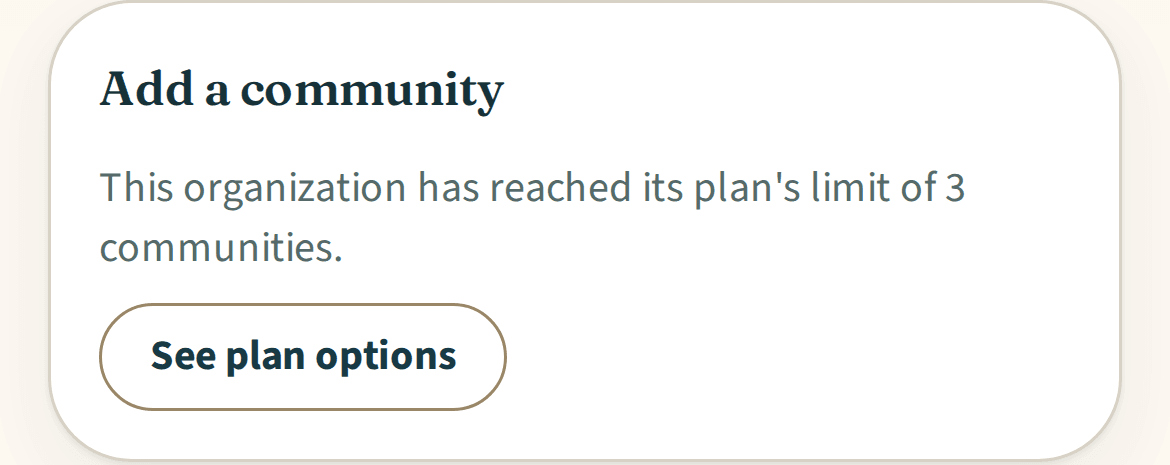
Pro covers 1 community, Premium up to 3, and Enterprise is quoted for 4 or more. Belong to more than one organization? Switch between them under one login.

Team and communities
Sign in without a password
Everyone signs in with a link sent to their email.
Explore Iris
Related features
Tour schedulingExample data 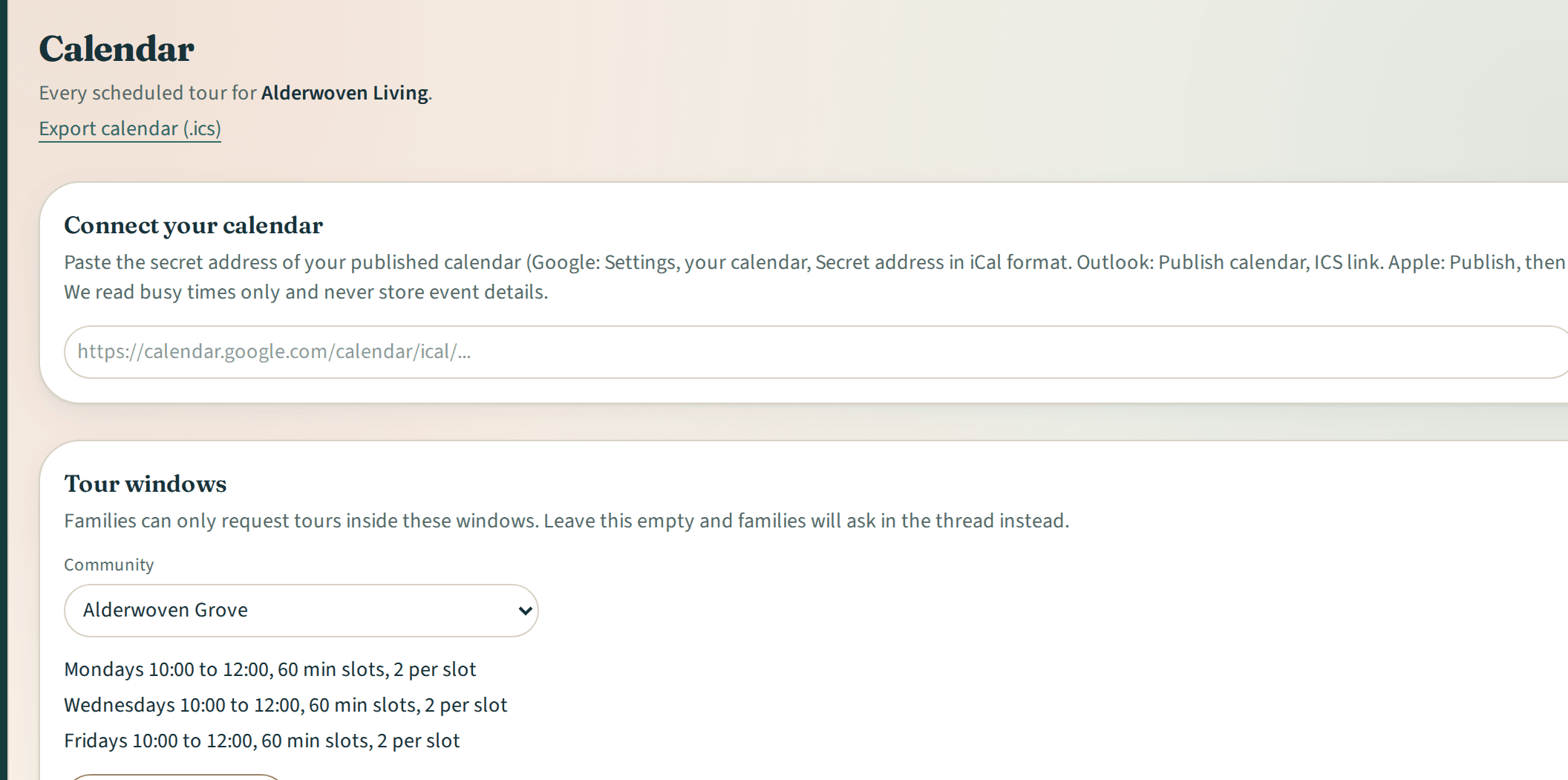
Tour scheduling
More details about Tour schedulingListing and availabilityExample data 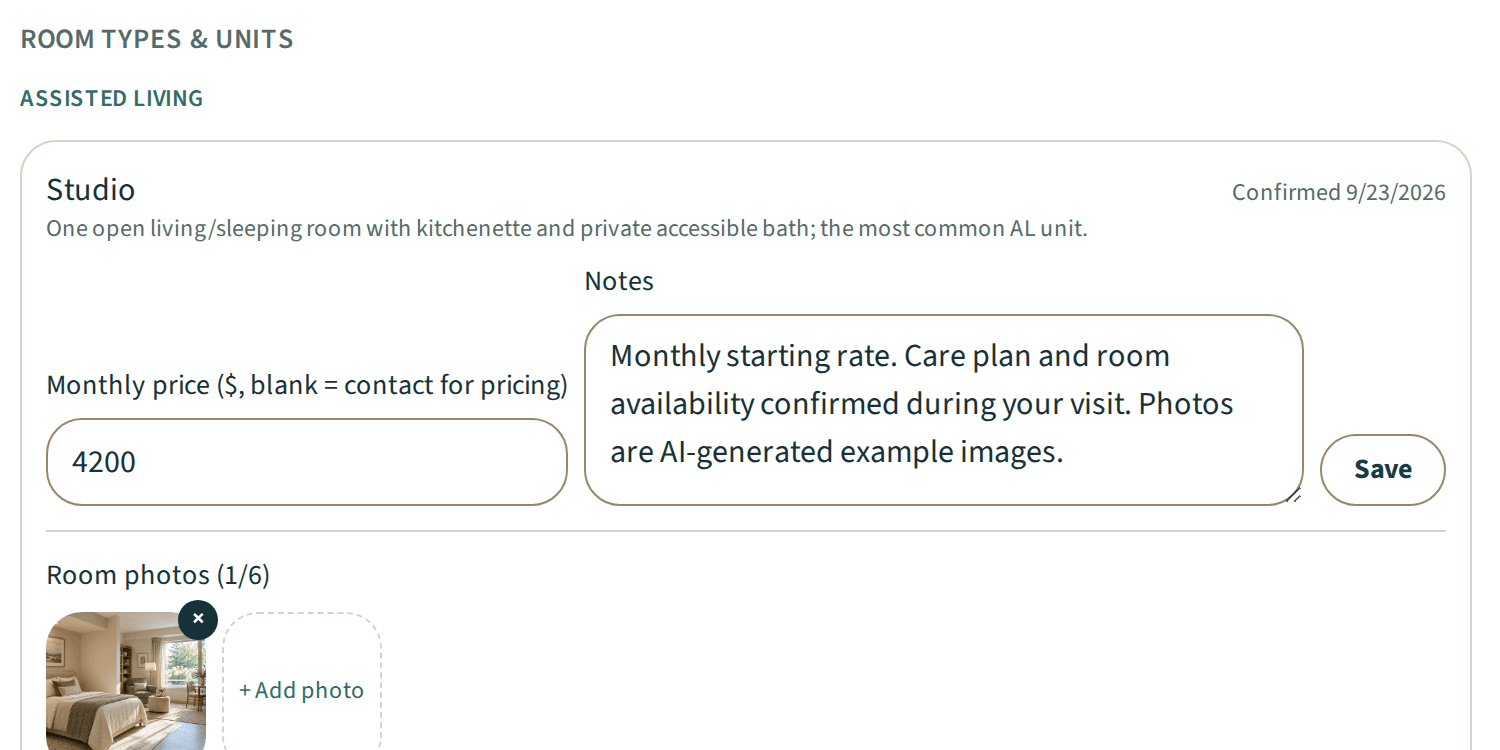
Listing and availability
More details about Listing and availabilityReportsExample data 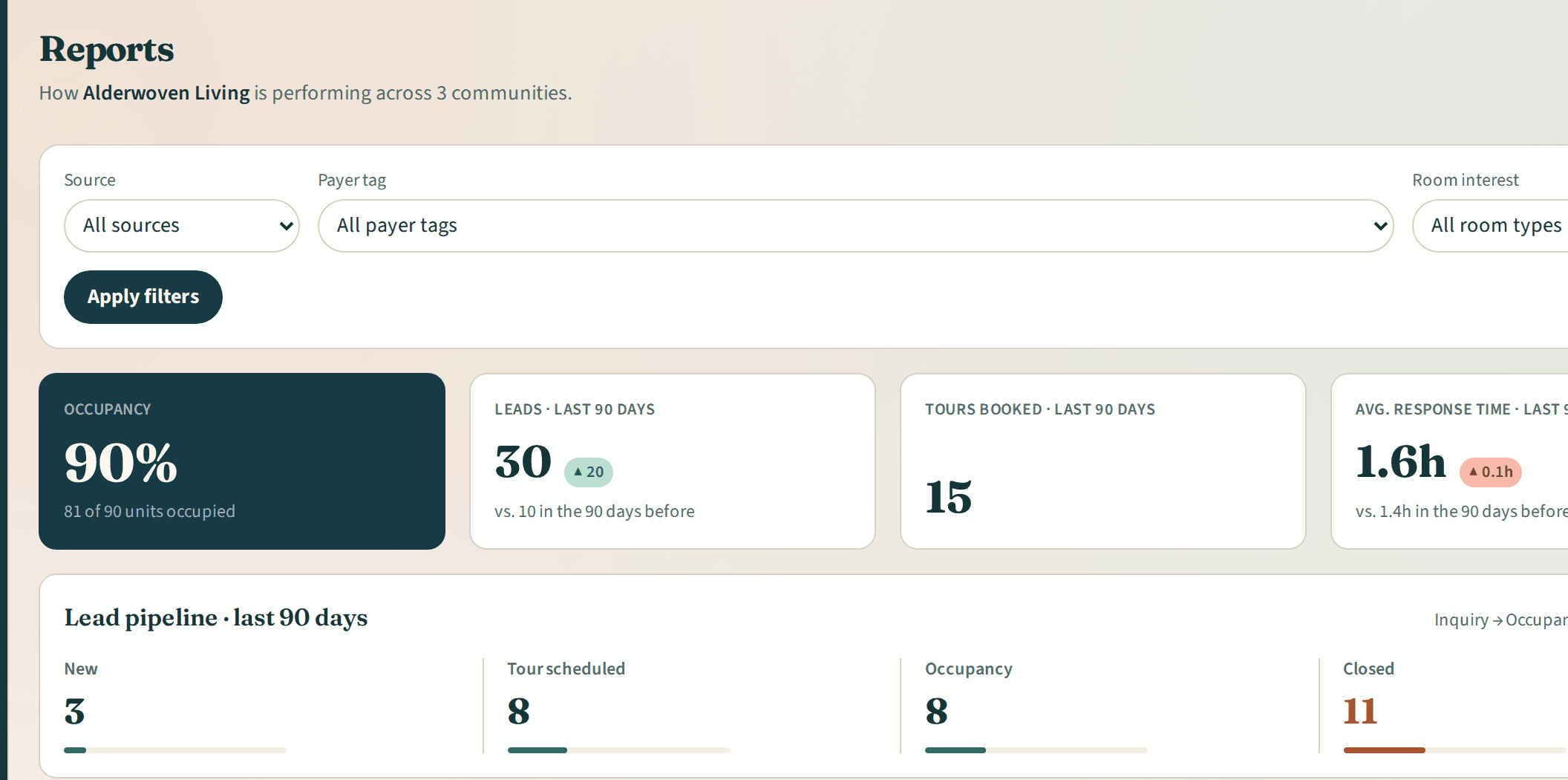
Reports
More details about Reports
Questions, answered
Iris FAQ
Yes, on paid plans. Company admins can invite colleagues in all three roles. Community admins can invite staff to the communities they manage.
Yes. Pro covers 1 community, Premium up to 3, and Enterprise is quoted for 4 or more.
A public profile in the Iris directory and the open availability search, the listing editor and availability reminder emails. Inquiries, tours, reports and team tools are on paid plans.