
Benefits tracker
Your benefits tracker, from your report.
Turn your report's top benefit matches and additional programs into steps your family can track.


Benefits tracker
Start from your report
When your Get Bearings Report is complete, choose "Start a benefits tracker" in your vault. The report is free.
Benefits tracker
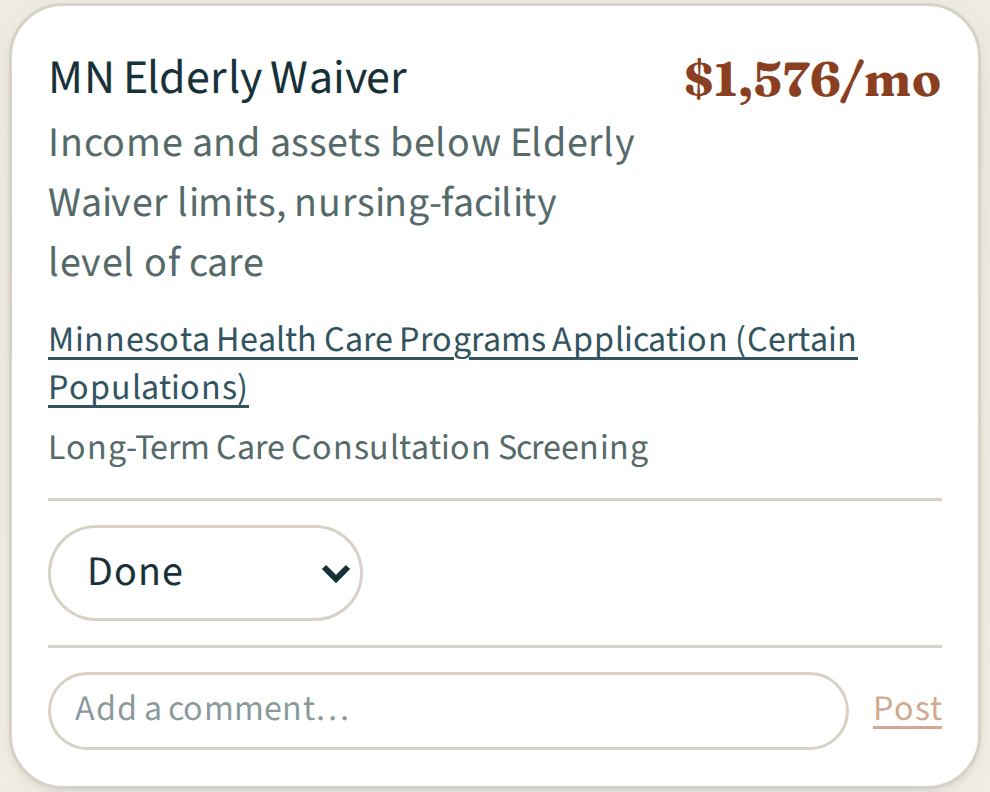
One step per program
Each step keeps the program's name and summary from your report. Where available, it also shows the amount from your report and the program's forms or contact details.
Benefits tracker
Mark your progress
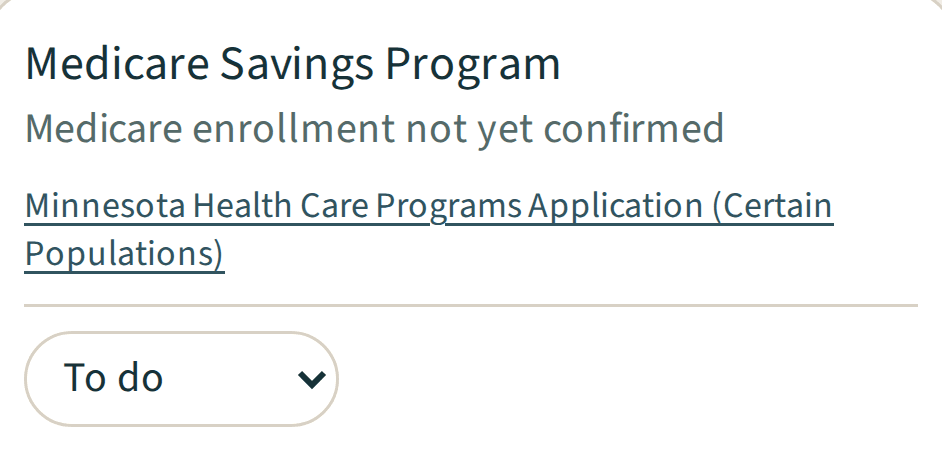
Set each step to To do, In progress or Done, and see how many care steps are done.
Benefits tracker
Talk it through
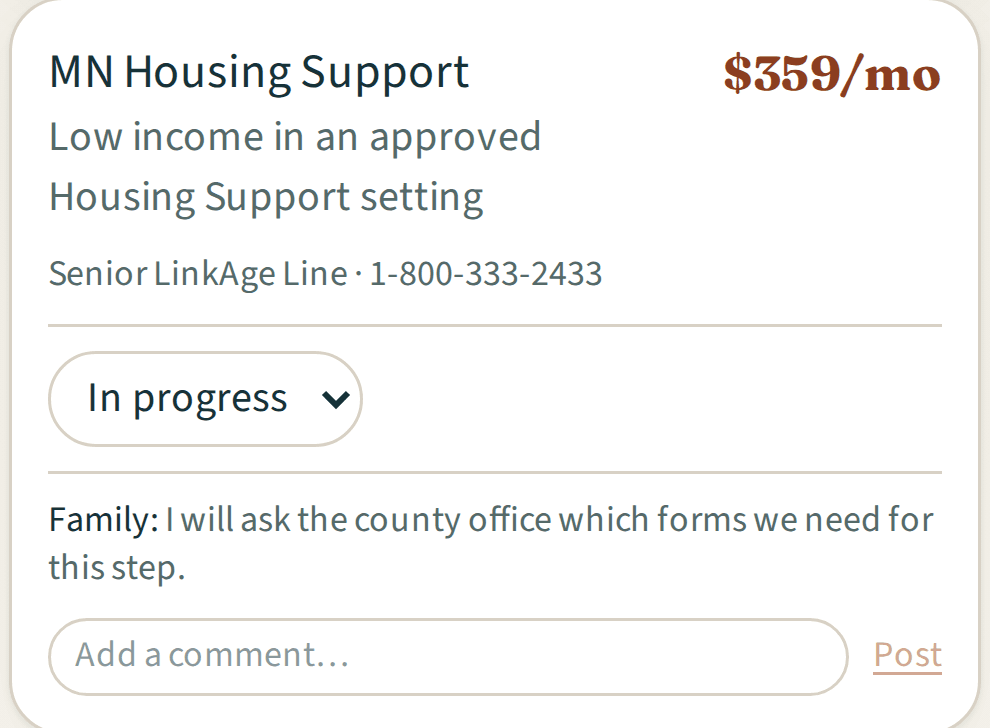
Each step has its own comment thread. Guests with access to your whole vault or to that person's file can follow along.
Included
Benefits tracker
The tracker copies your report's top benefit matches and additional programs when you start it. Veterans benefits, crisis routes and cases the report flags for expert review stay in the report. Changes to your report do not update the tracker on their own.
- built from a completed Get Bearings Report
- works with the free report
- one step per top match or additional program
- program summary
- amounts where available
- forms or contact details where available
- To do, In progress and Done
- care steps done, at a glance
- a comment thread per step
- up to 5 people you care for, on either plan
- a link for you to open the full report, while it is still linked to the tracker
Explore Plus
Related features
Comments and updatesExample data 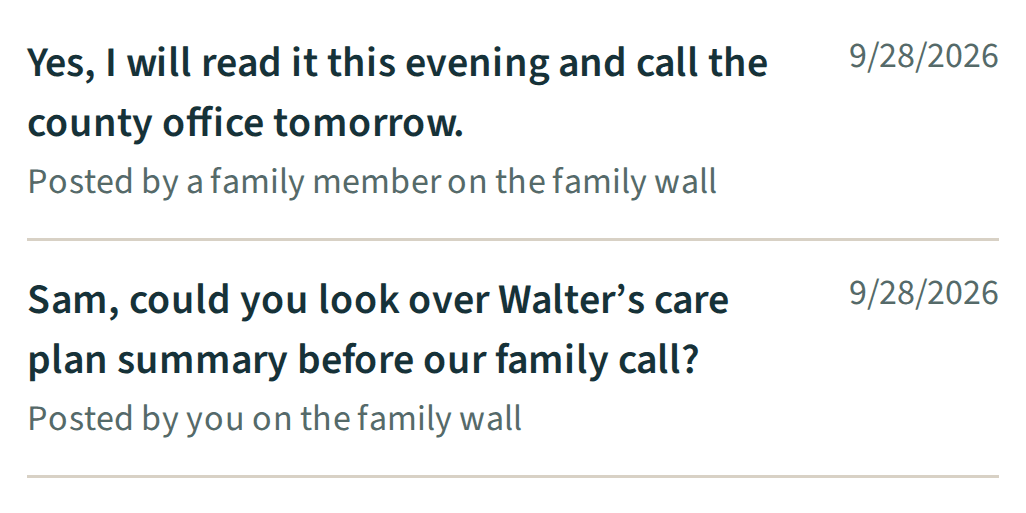
Comments and updates
More details about Comments and updatesGuidanceExample data 
Guidance
More details about Guidance
Questions, answered