
Tour scheduling
Tours your team can plan and families can book.
Schedule tours from inquiries, open tour times families choose themselves, and see your team's tours on one calendar. On paid plans.
for 4 or more communities
Tour scheduling
Schedule from the inquiry
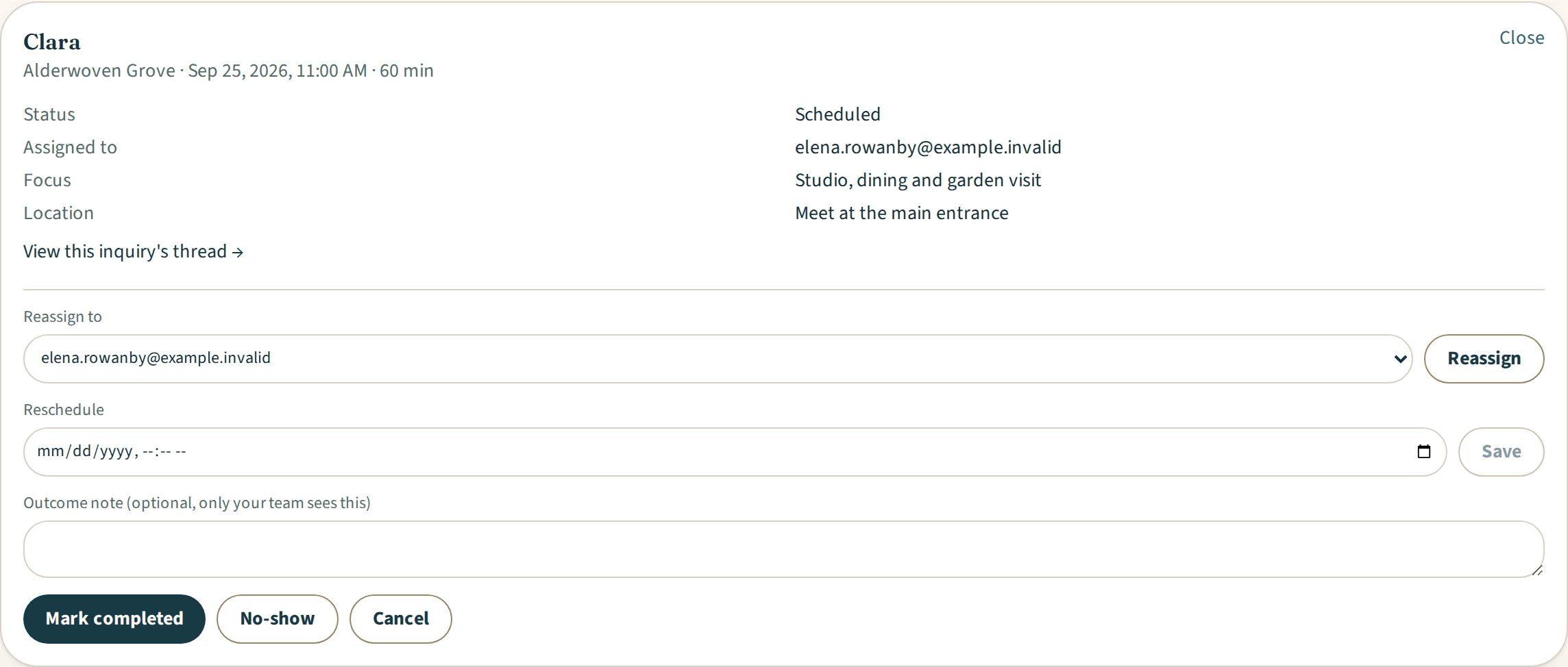
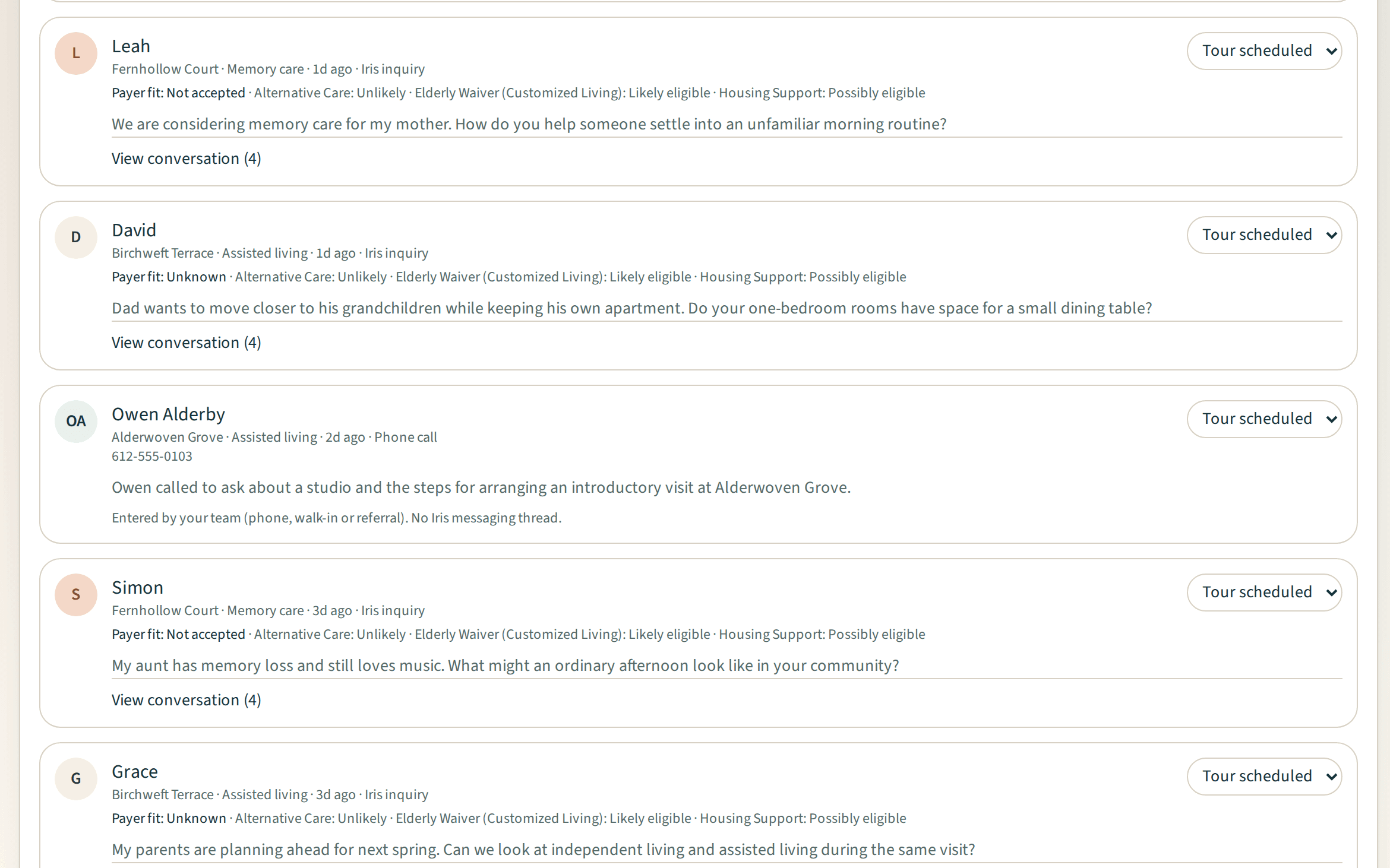
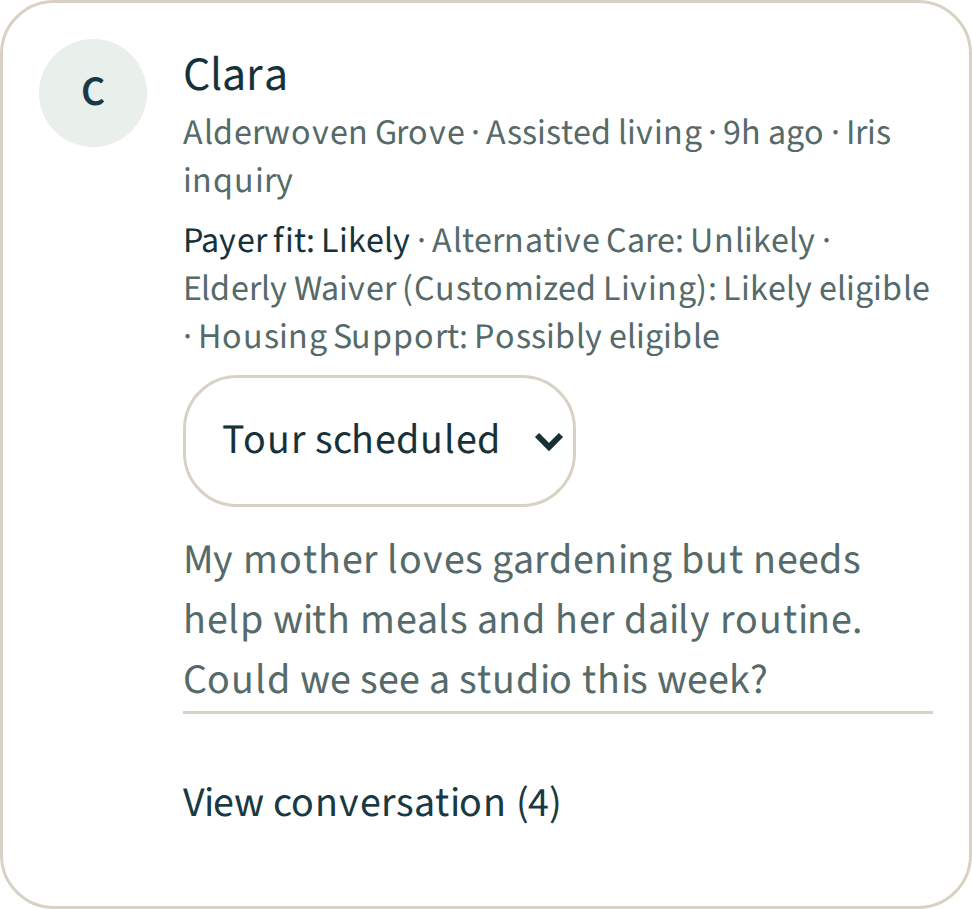
Pick a date, time and length, and optionally assign a team member. When your team schedules a tour, Iris sends the assignee an email notification and posts the date and time in the thread of a family who inquired through Iris.

Tour scheduling
Tour times families can book
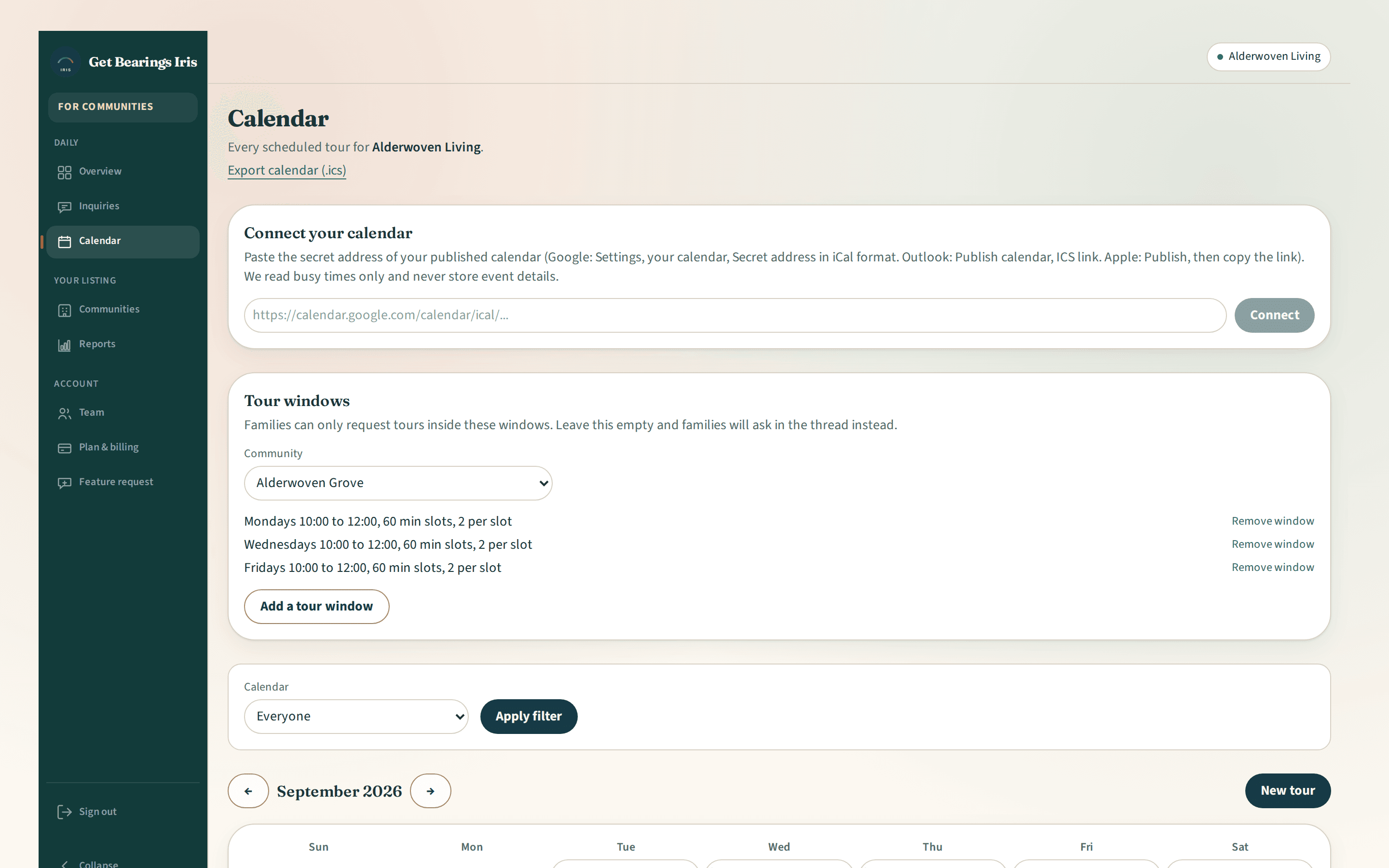
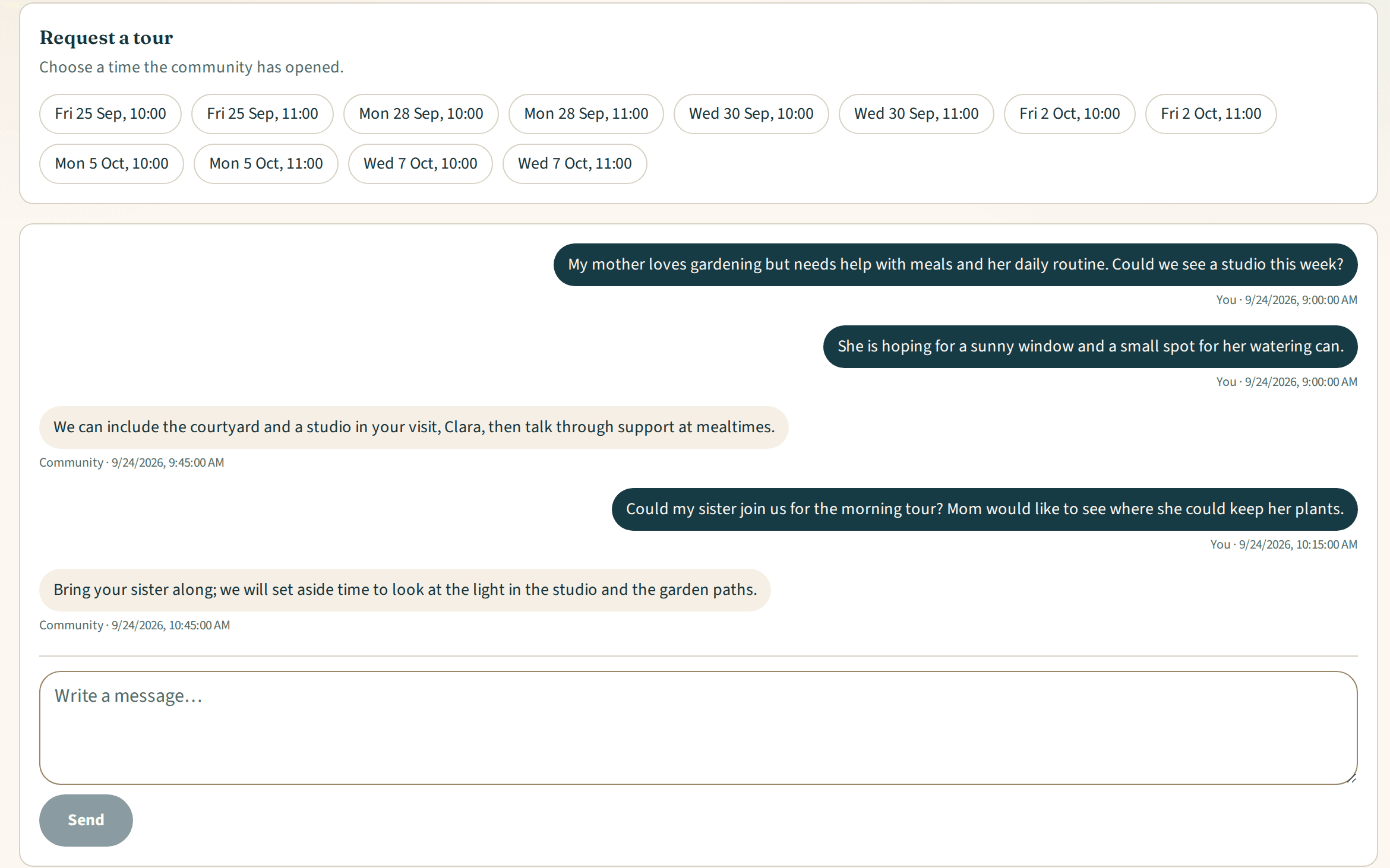
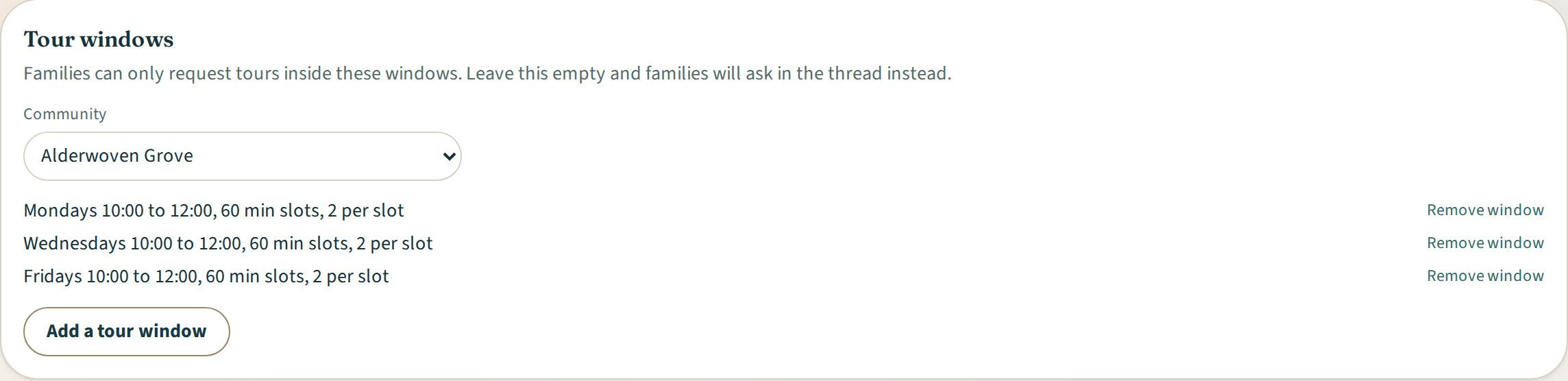
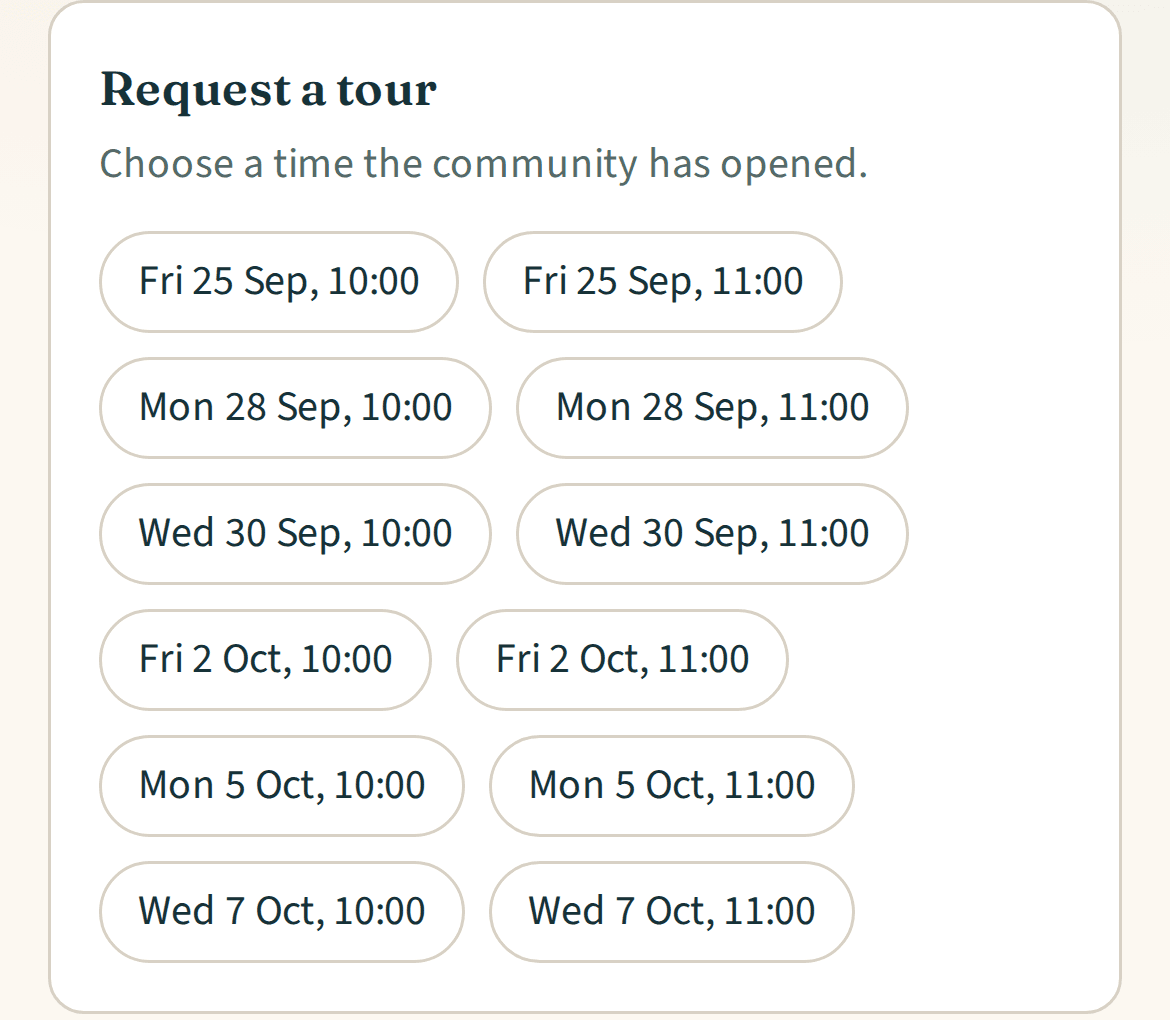
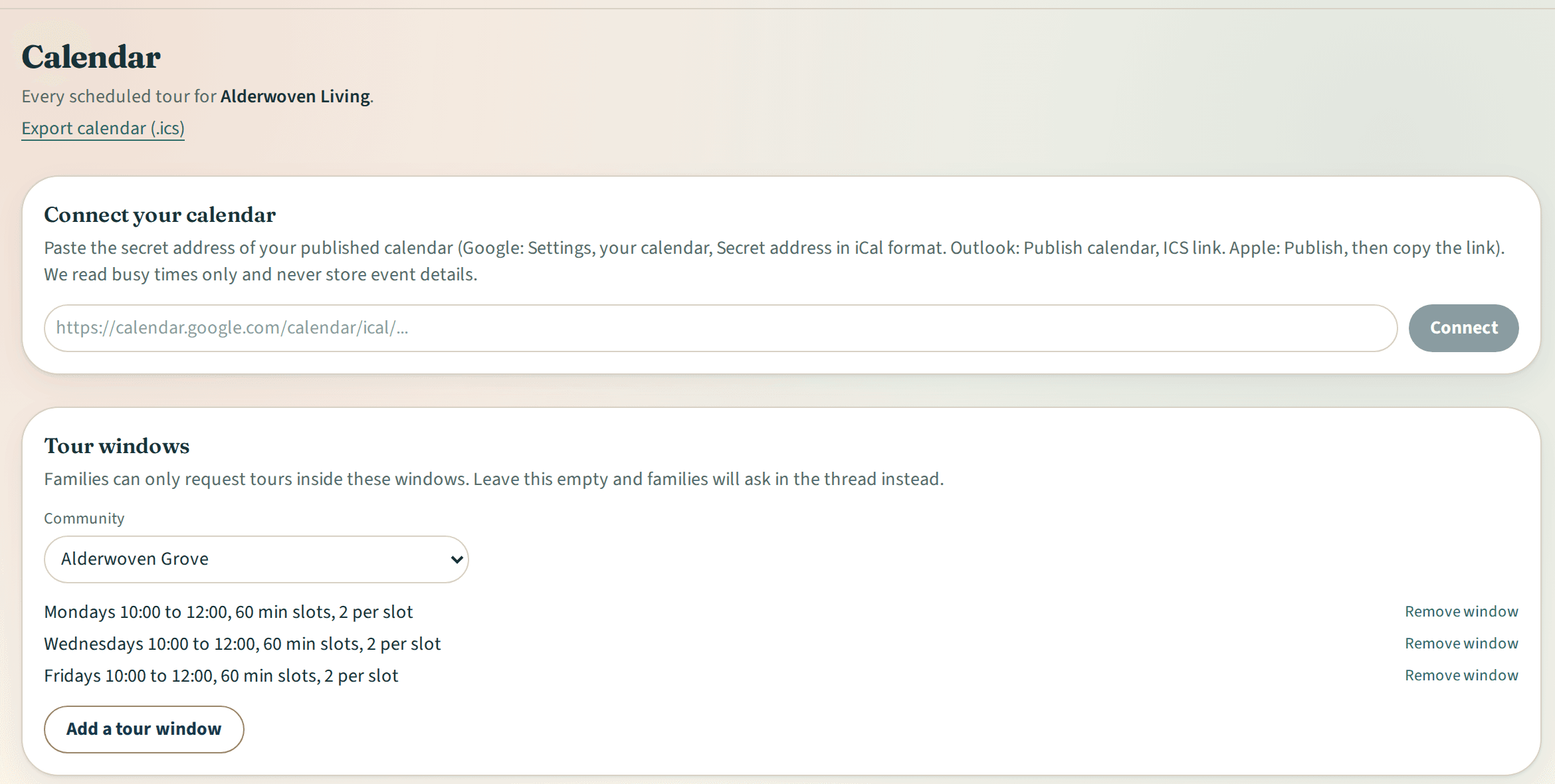
Open weekly or one-off tour windows with a slot length and capacity. Families choose an open time in the next 14 days from their thread, and it lands on your calendar as a scheduled tour.
Tour scheduling
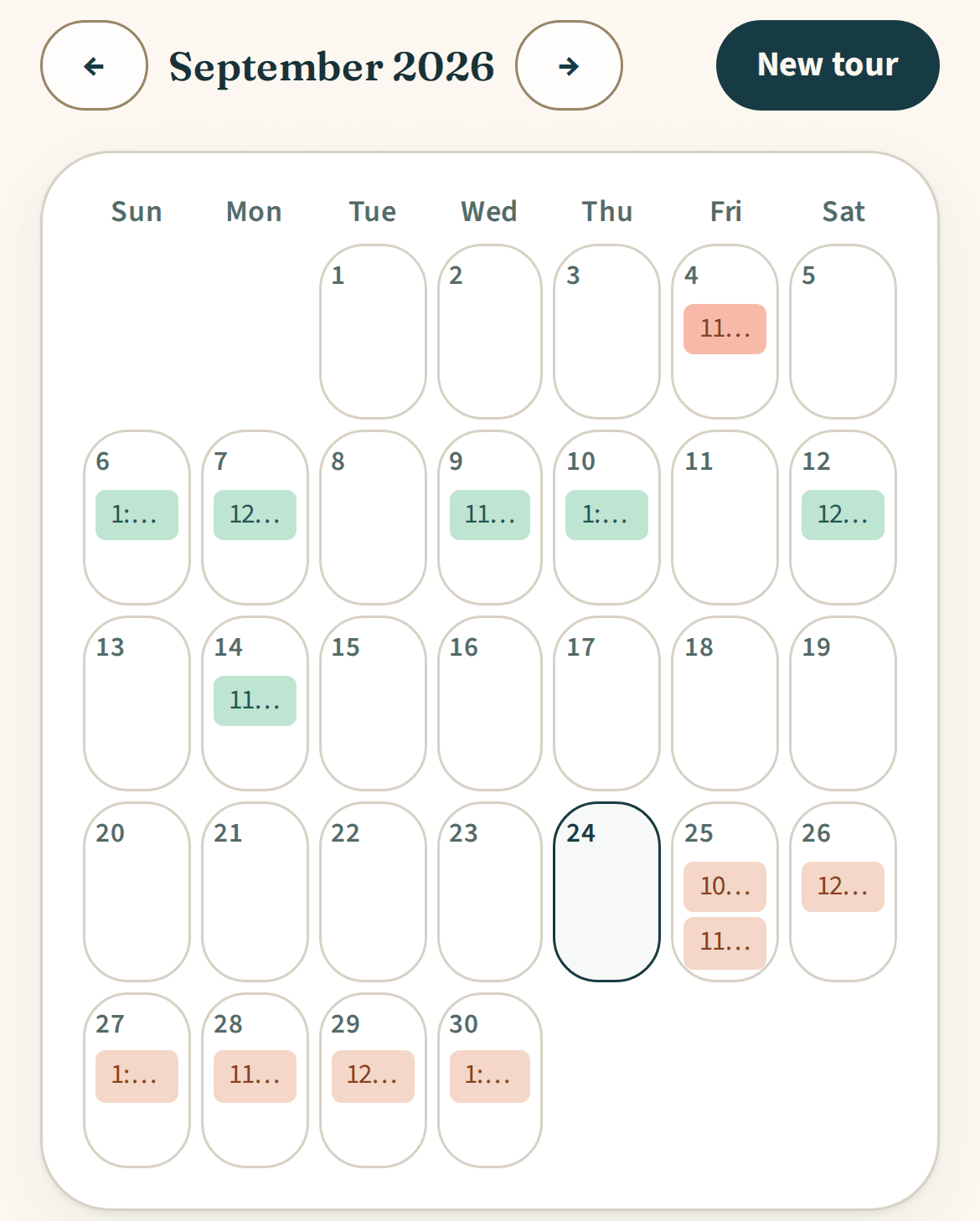
One calendar for the team
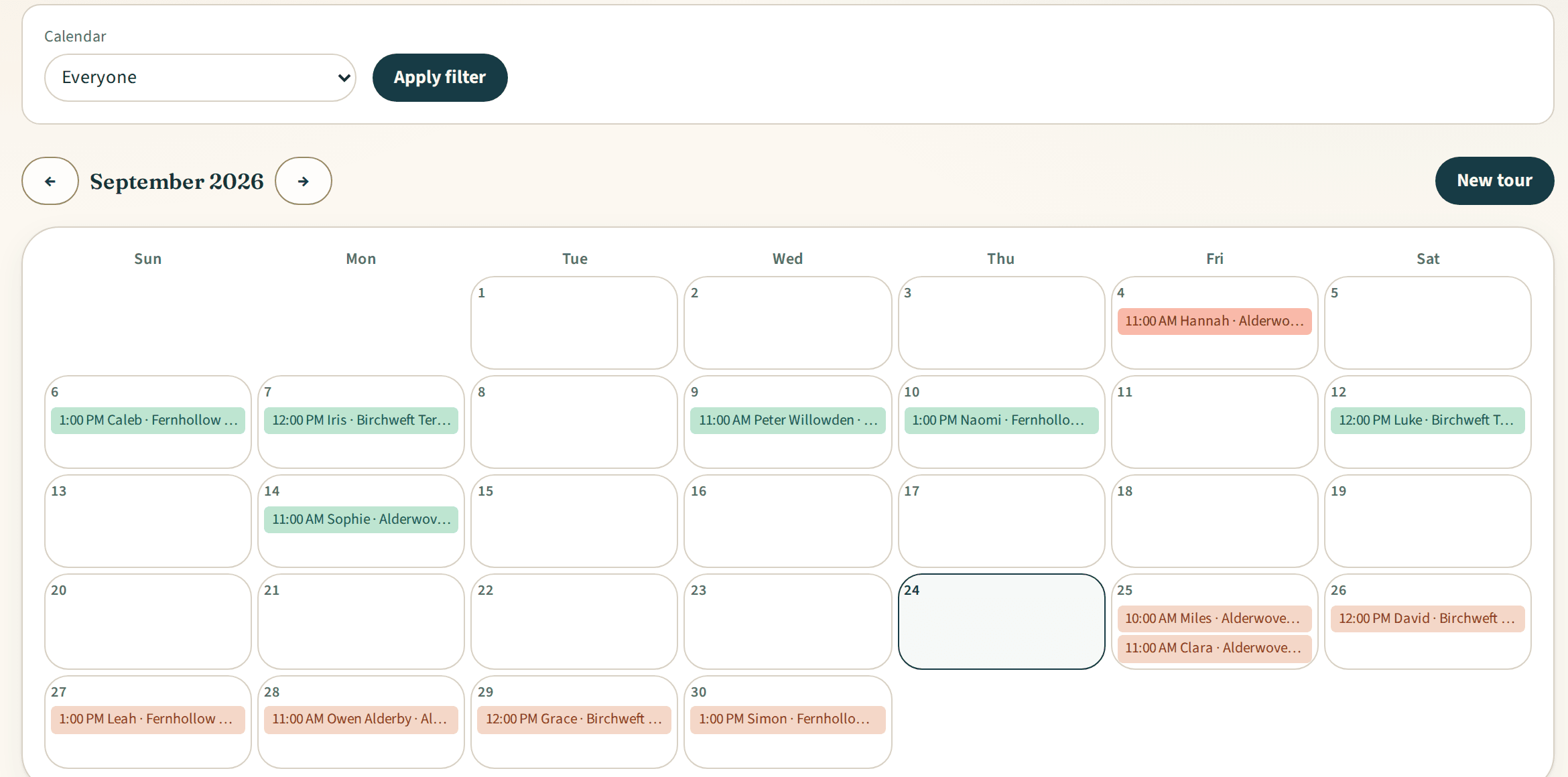
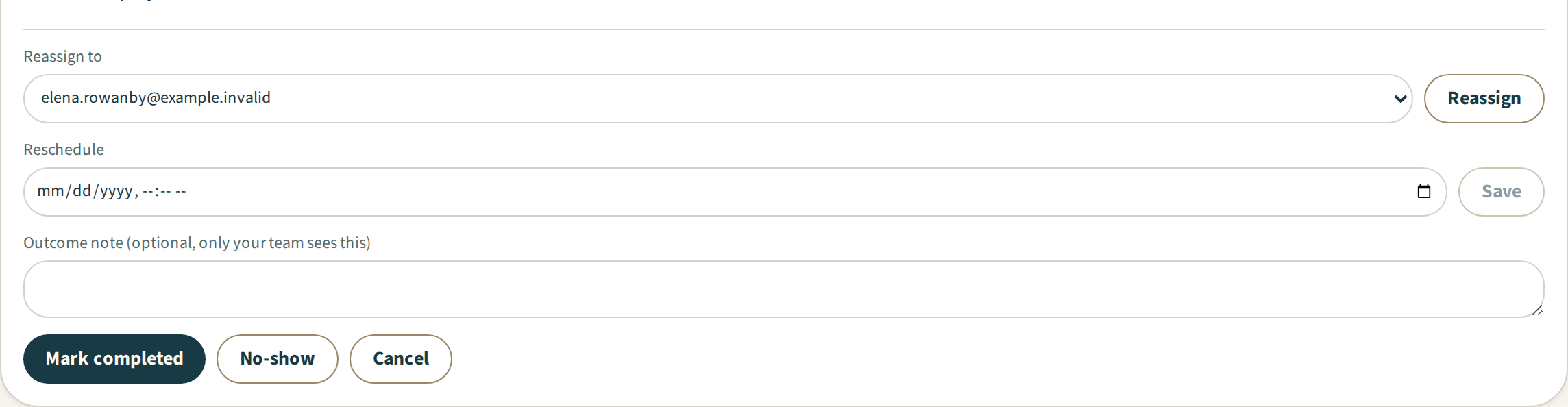
See the next 30 days for everyone, one person or unassigned tours. Company admins and a tour's assignee can mark it completed, no-show or cancelled, reschedule it, reassign it and note how it went.
Tour scheduling
Your own calendar too
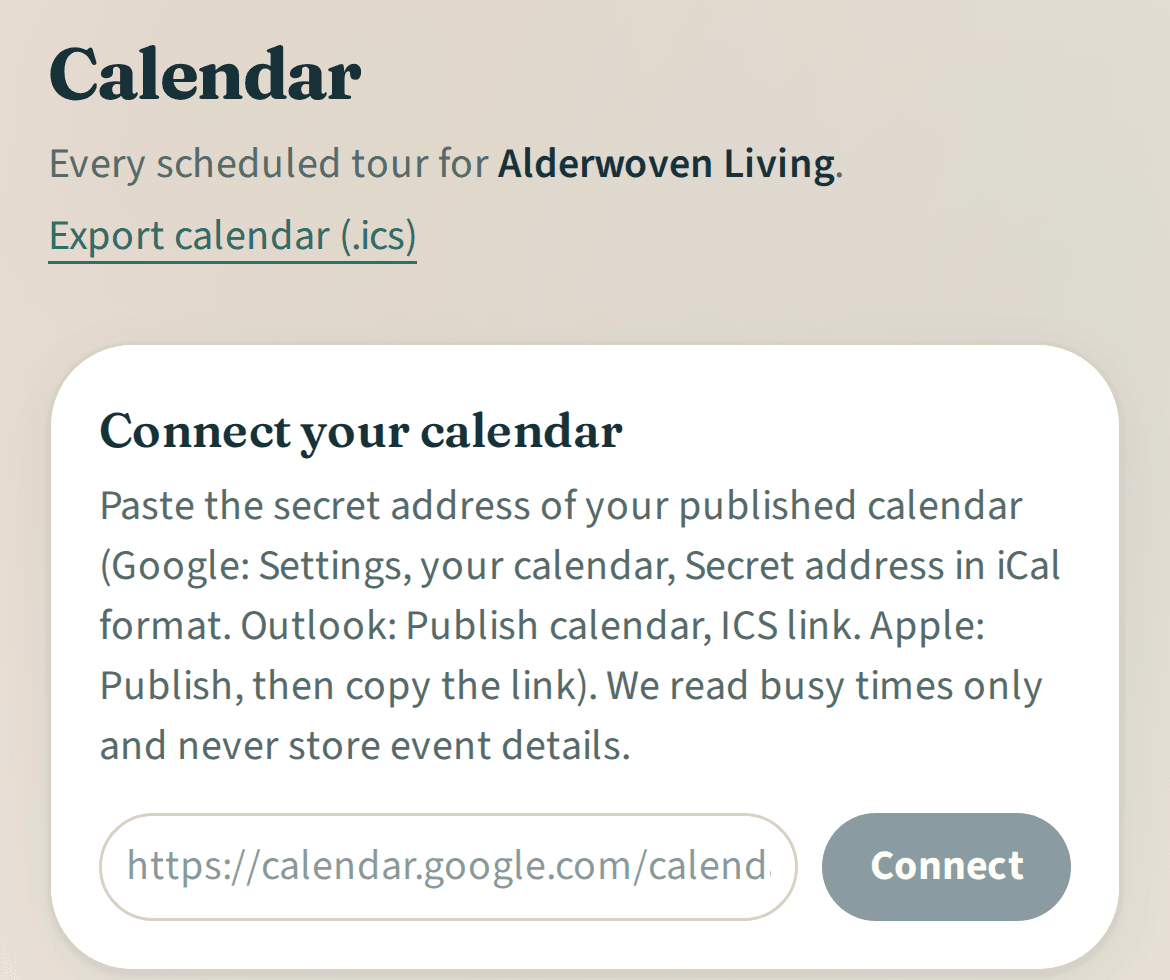
Each team member can connect their own calendar feed so Iris can use their busy times. You can also download tours as a calendar file for Google Calendar or Outlook.

On paid plans
Tour scheduling
- schedule from an inquiry
- tours from 15 minutes to 8 hours
- assignee email notifications for team-scheduled tours
- scheduling messages in the thread for team-scheduled tours with families who inquired through Iris
- weekly and one-off tour windows with slot length and capacity
- family booking up to 14 days ahead
- team calendar for the next 30 days
- completed, no-show and cancelled
- reschedule and reassign
- tour outcome notes
- busy times from each team member's own connected calendar feed
- calendar file export, including your team's notes on focus and location
Explore Iris
Related features
Inquiry managementExample data 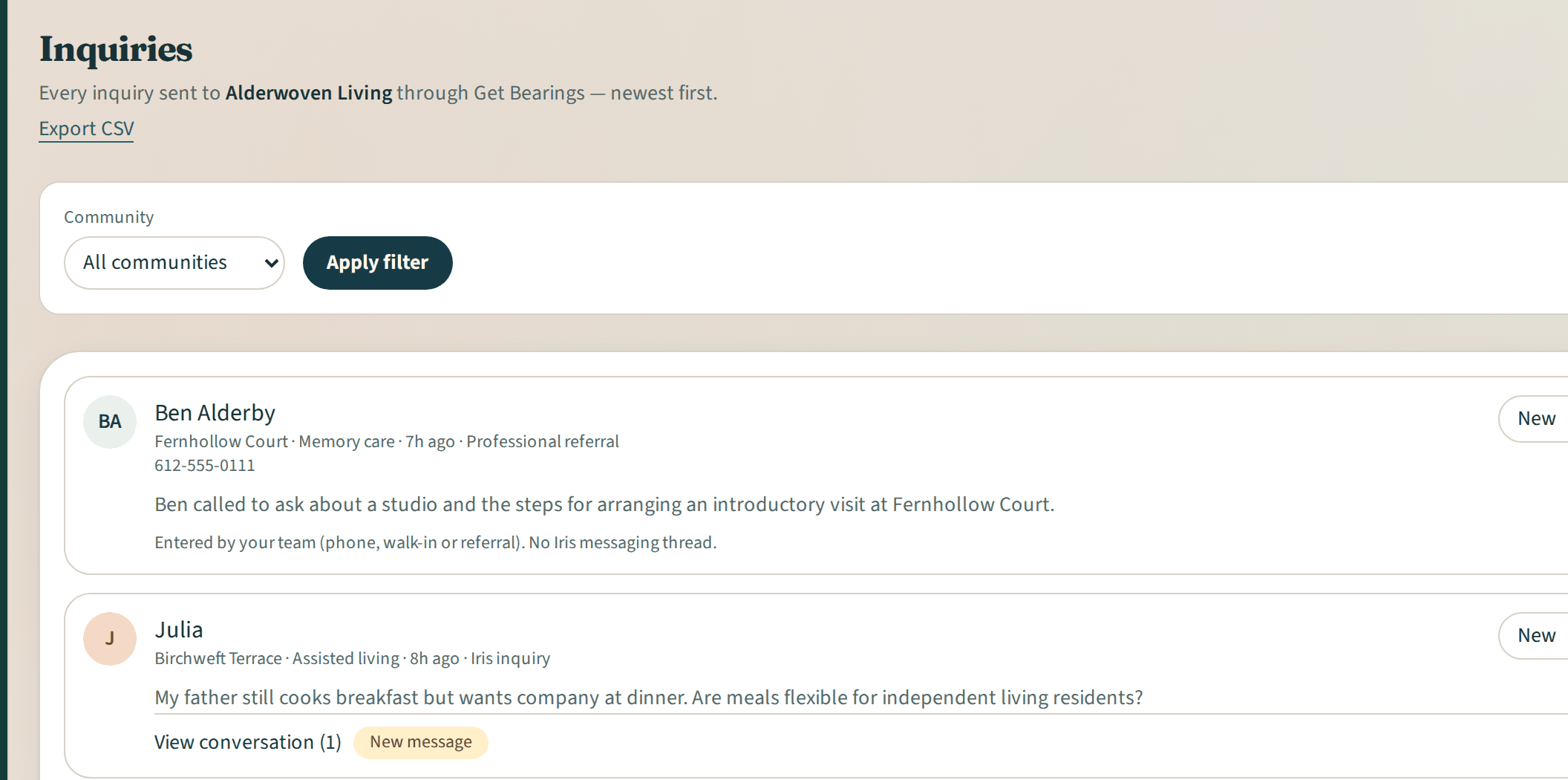
Inquiry management
More details about Inquiry managementReportsExample data 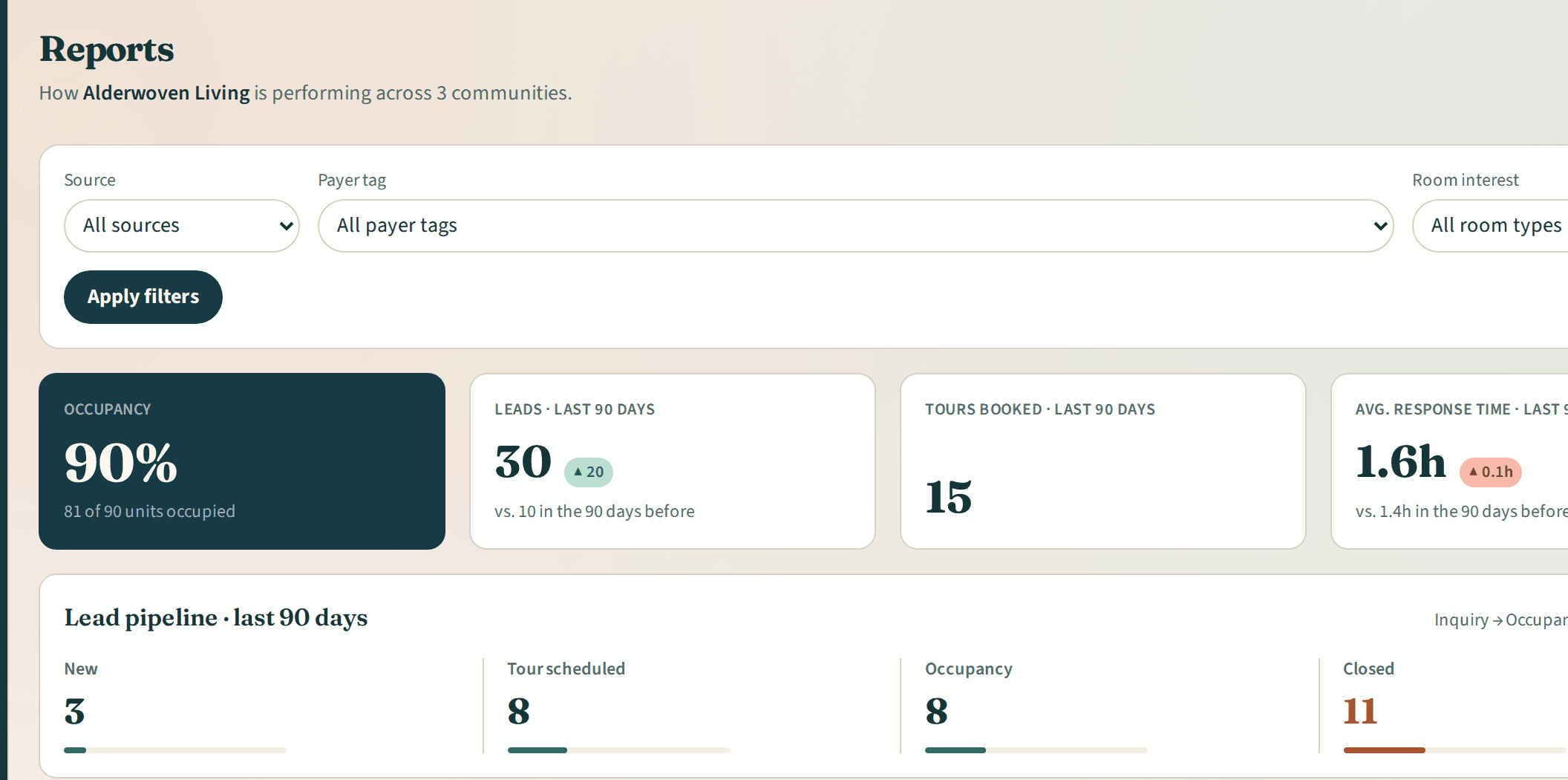
Reports
More details about ReportsTeam and communitiesExample data 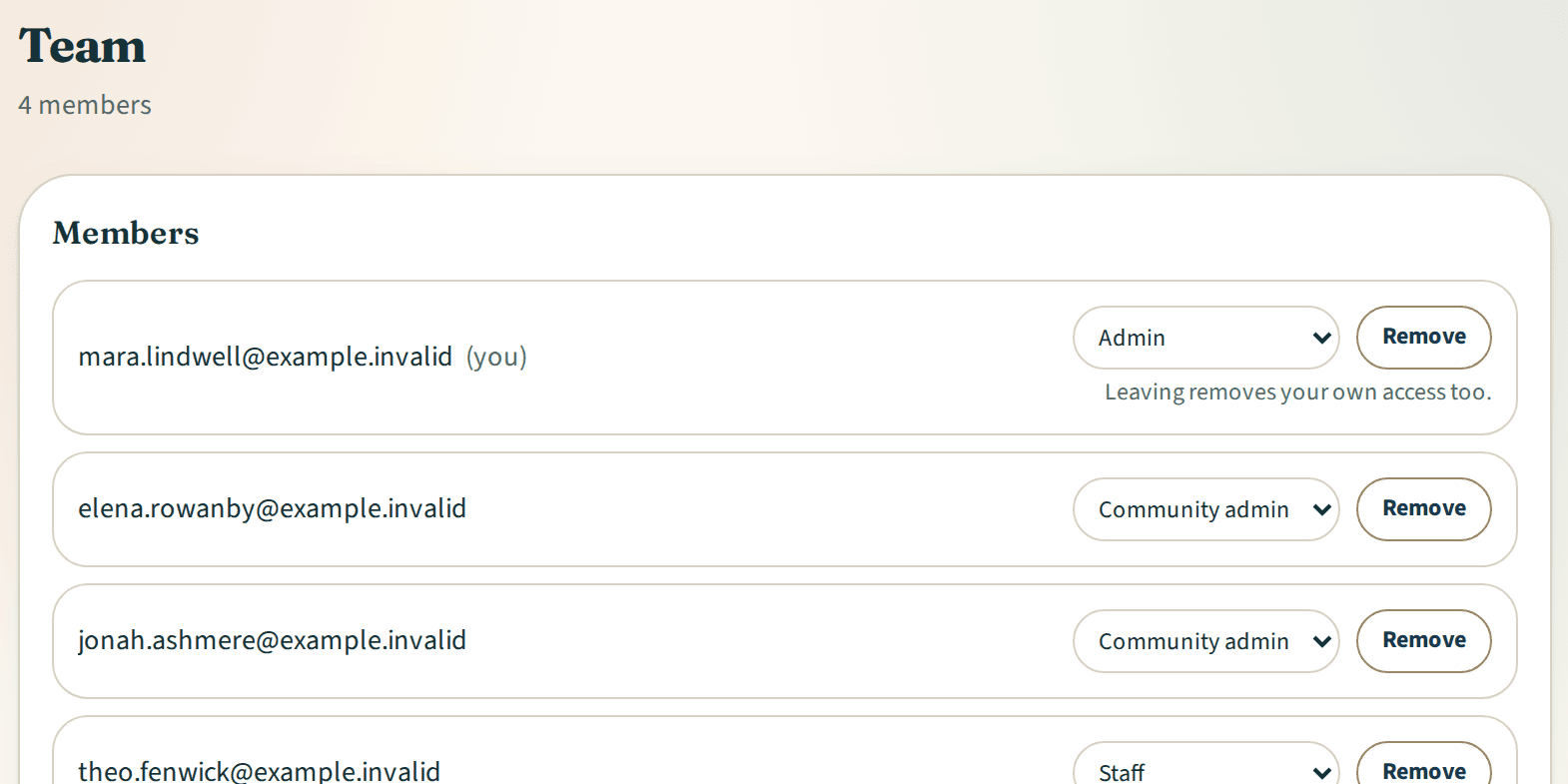
Team and communities
More details about Team and communities
Questions, answered