
Inquiry management
Track every inquiry from first message to move-in.
One inbox for your organization's communities, four lead stages, and room for the phone calls and walk-ins that never came through a website. On paid plans.
for 4 or more communities
Inquiry management
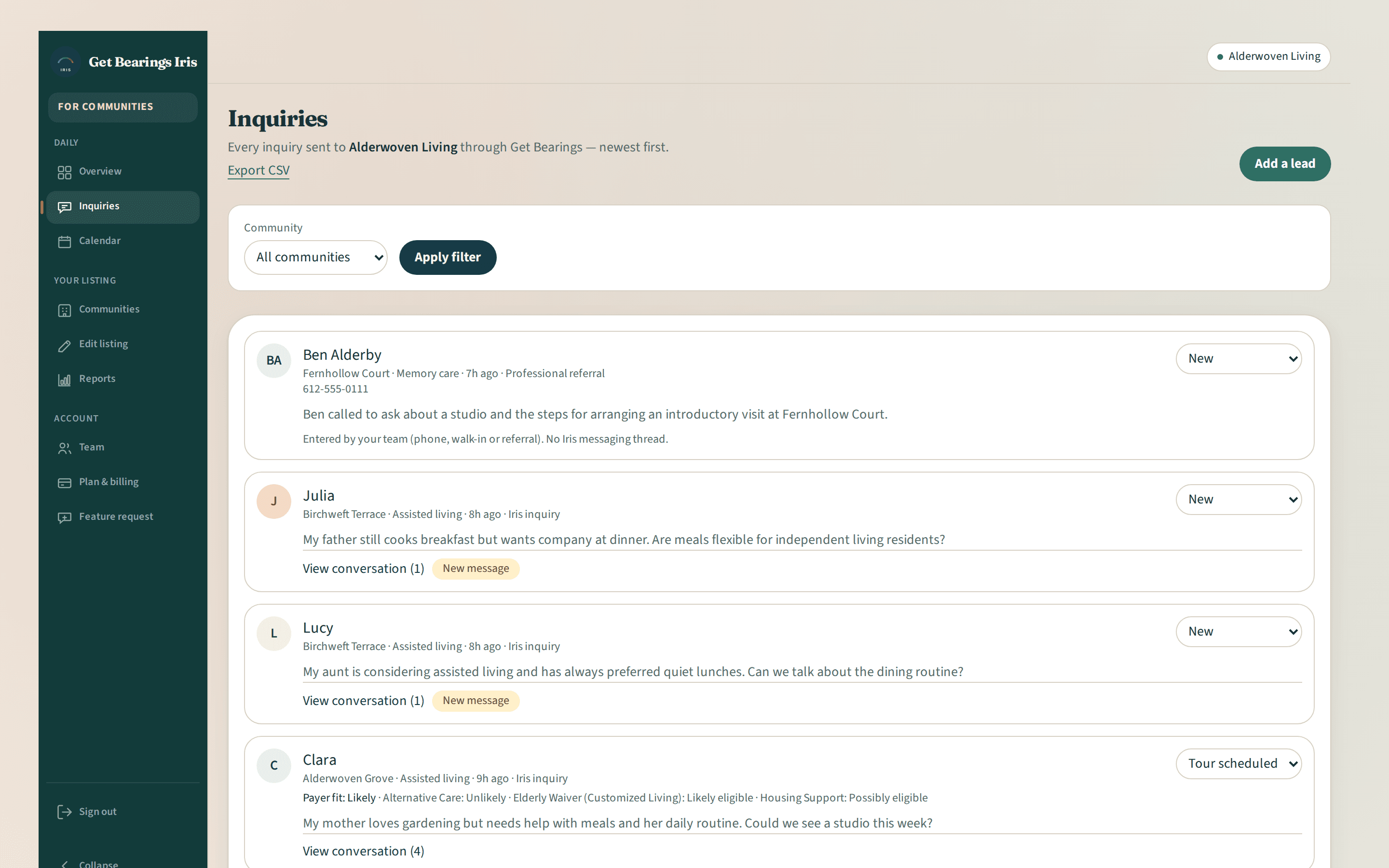
Your organization's inquiry inbox
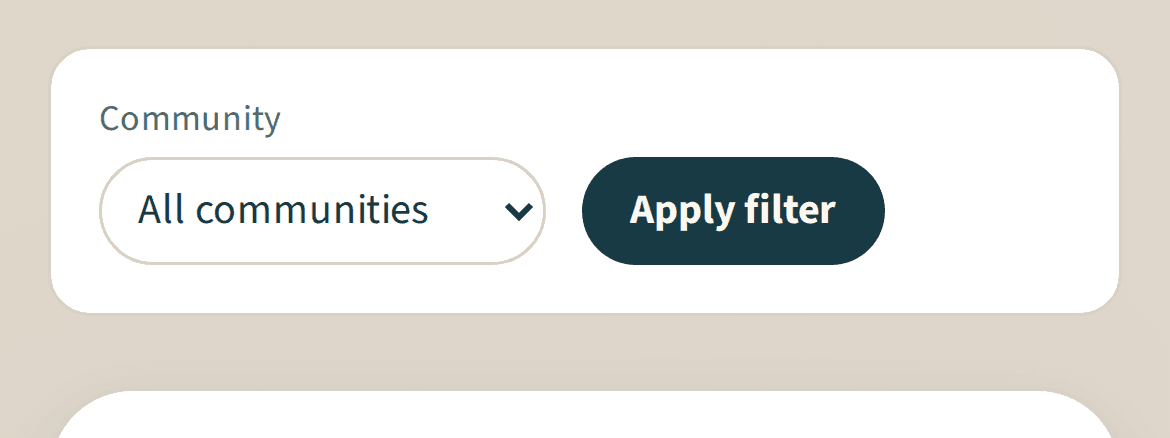
Inquiries appear newest first, and you can filter by community. New inquiries come with an email notification to your organization's contact address, and a thread shows as unread when the family writes back.

Inquiry management
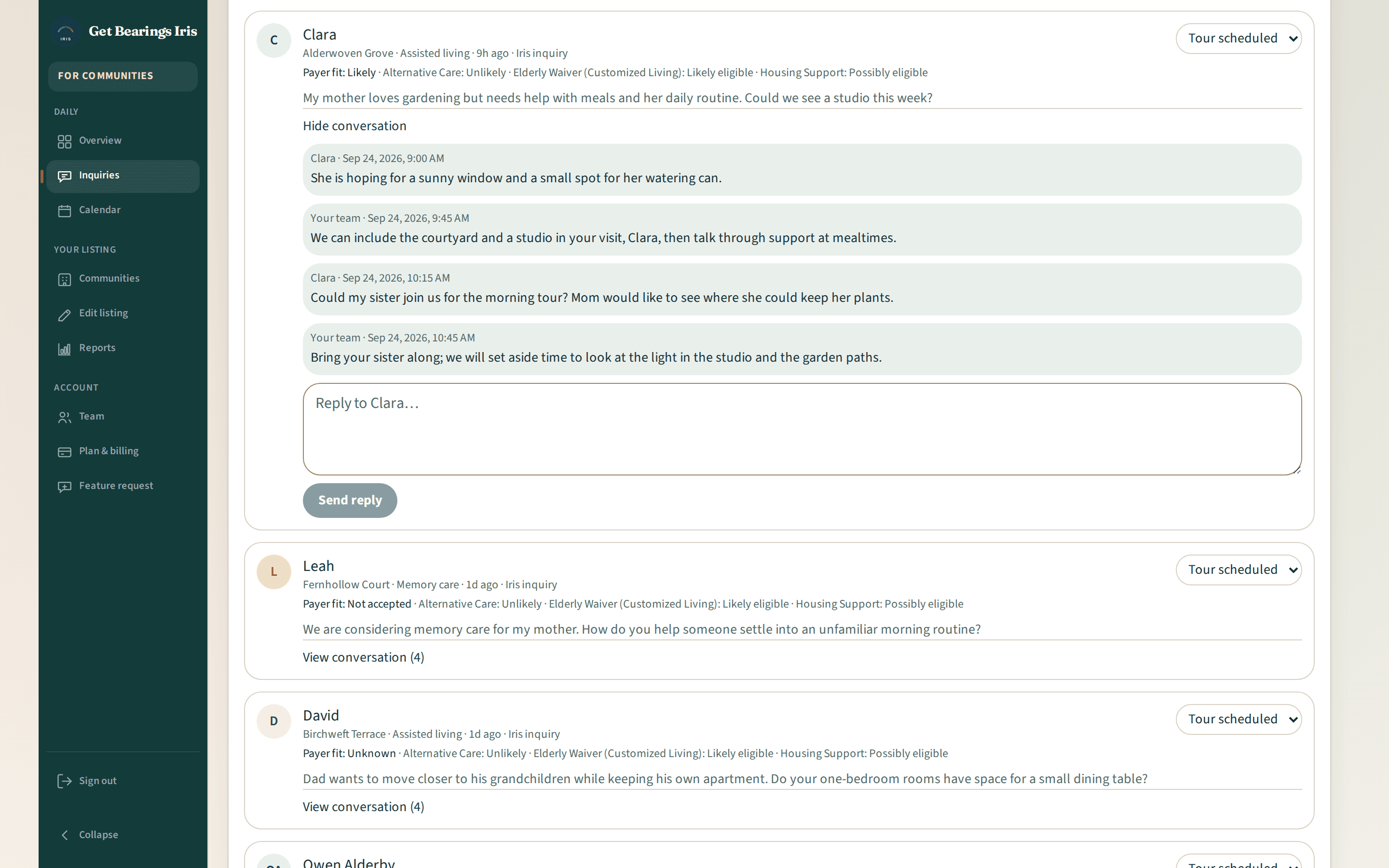
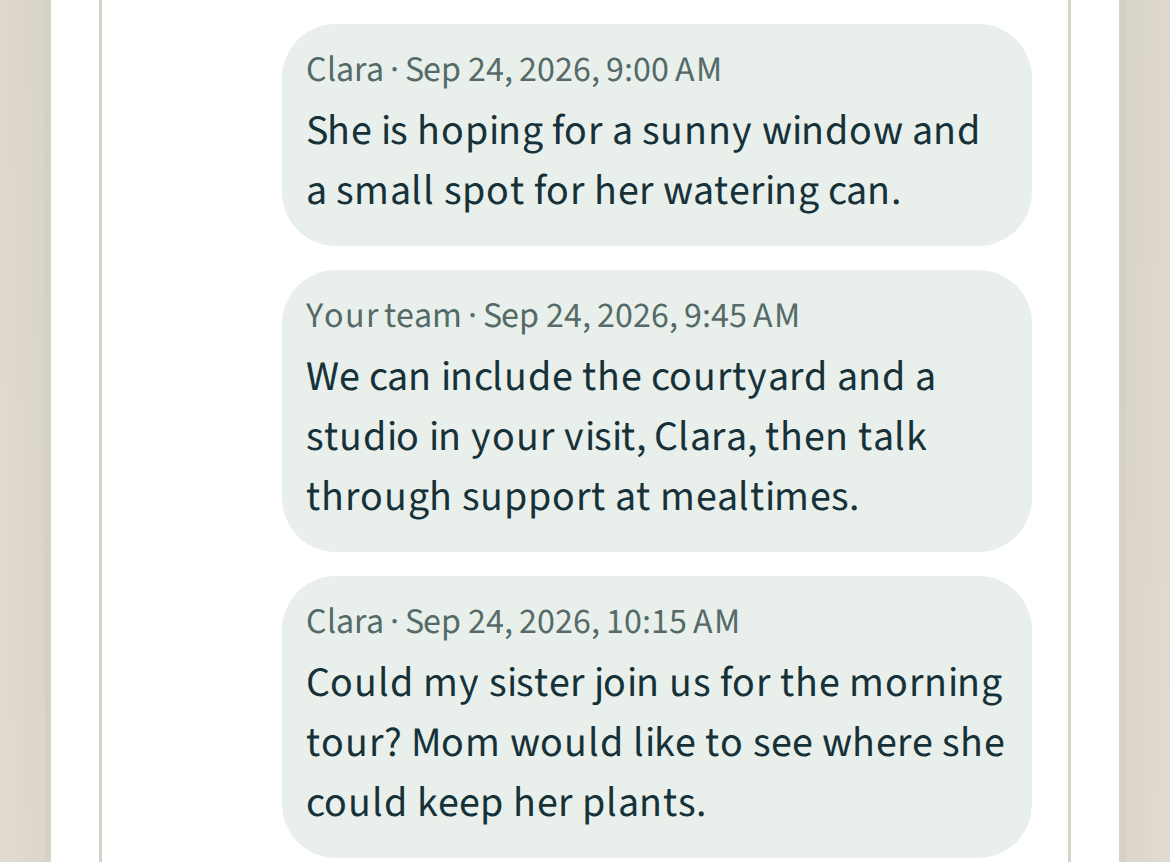
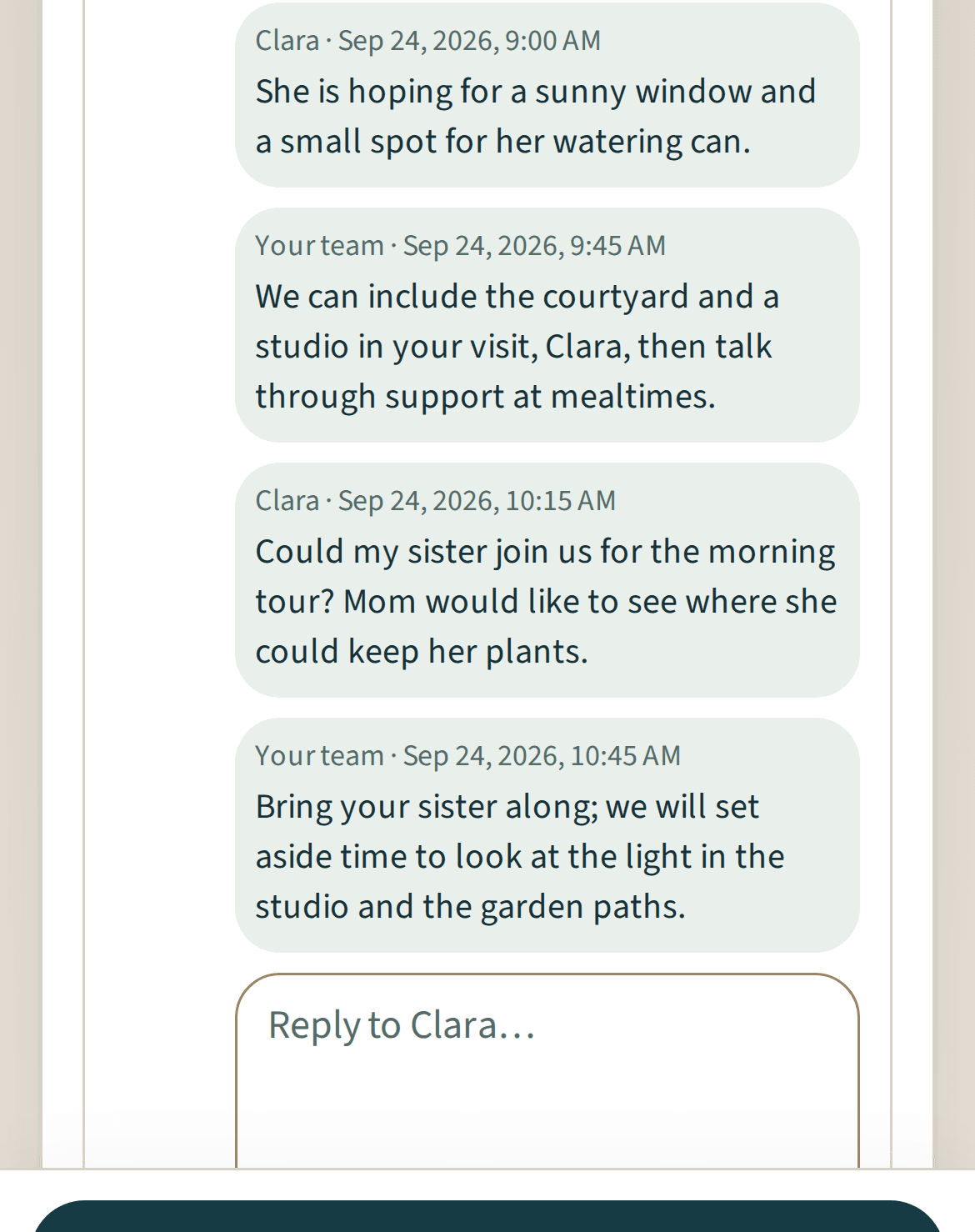
Reply in the thread
Families write from their Get Bearings account and read your replies there. Your team sees the family's first name and message and answers in the same thread.
Inquiry management
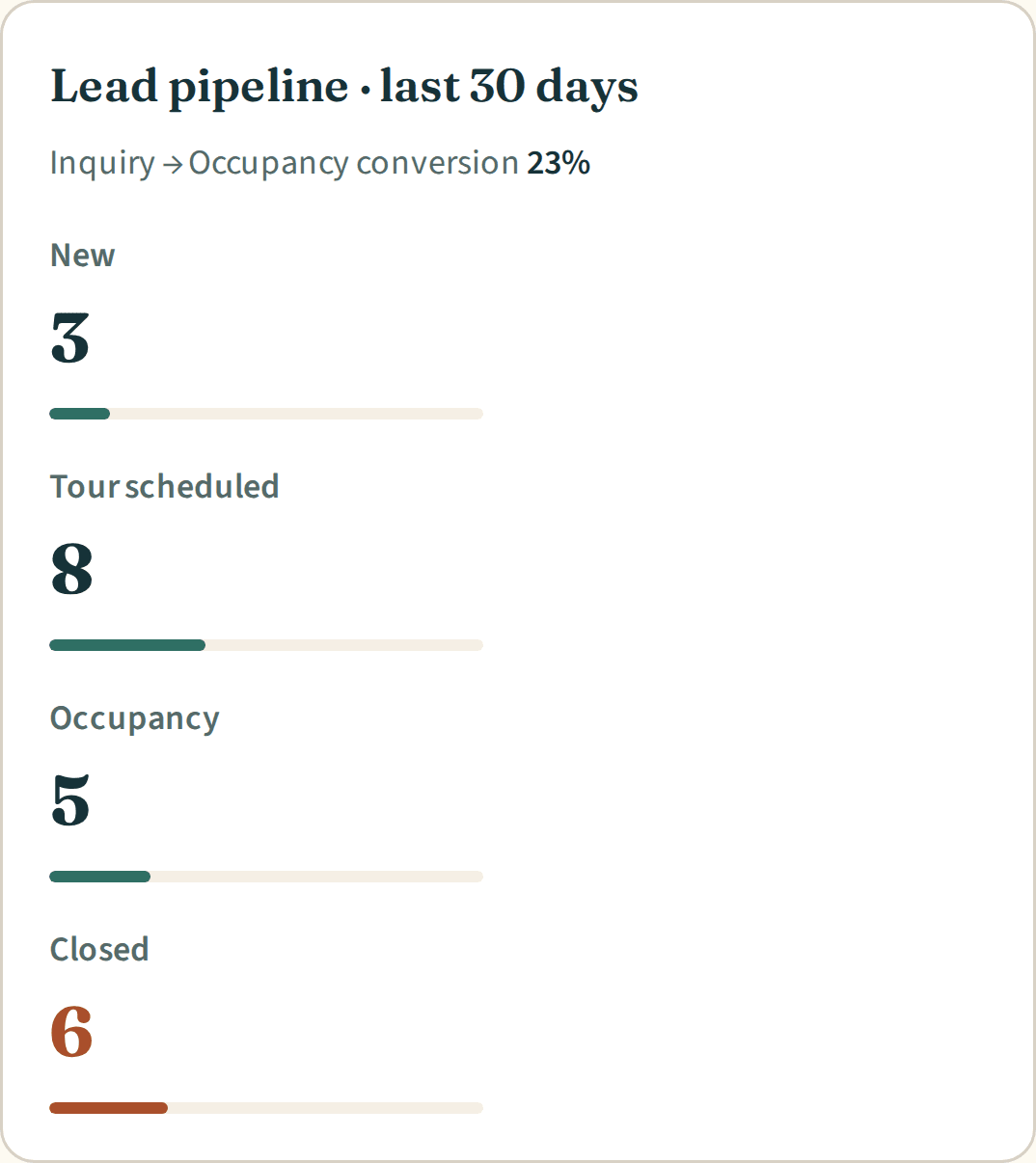
Four stages for every lead
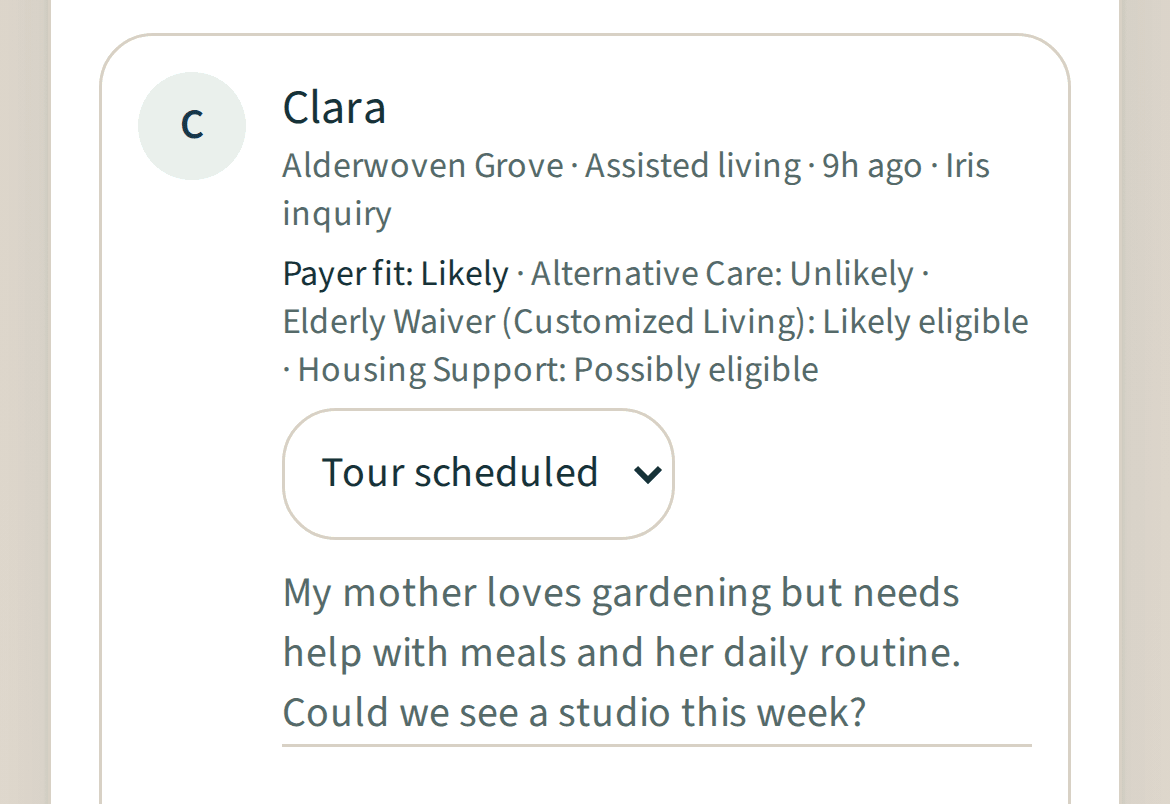
Move leads between New, Tour scheduled, Occupancy and Closed. Closing asks for one of eight reasons, with an optional note for your team. Stage changes are recorded for your reports.

Inquiry management
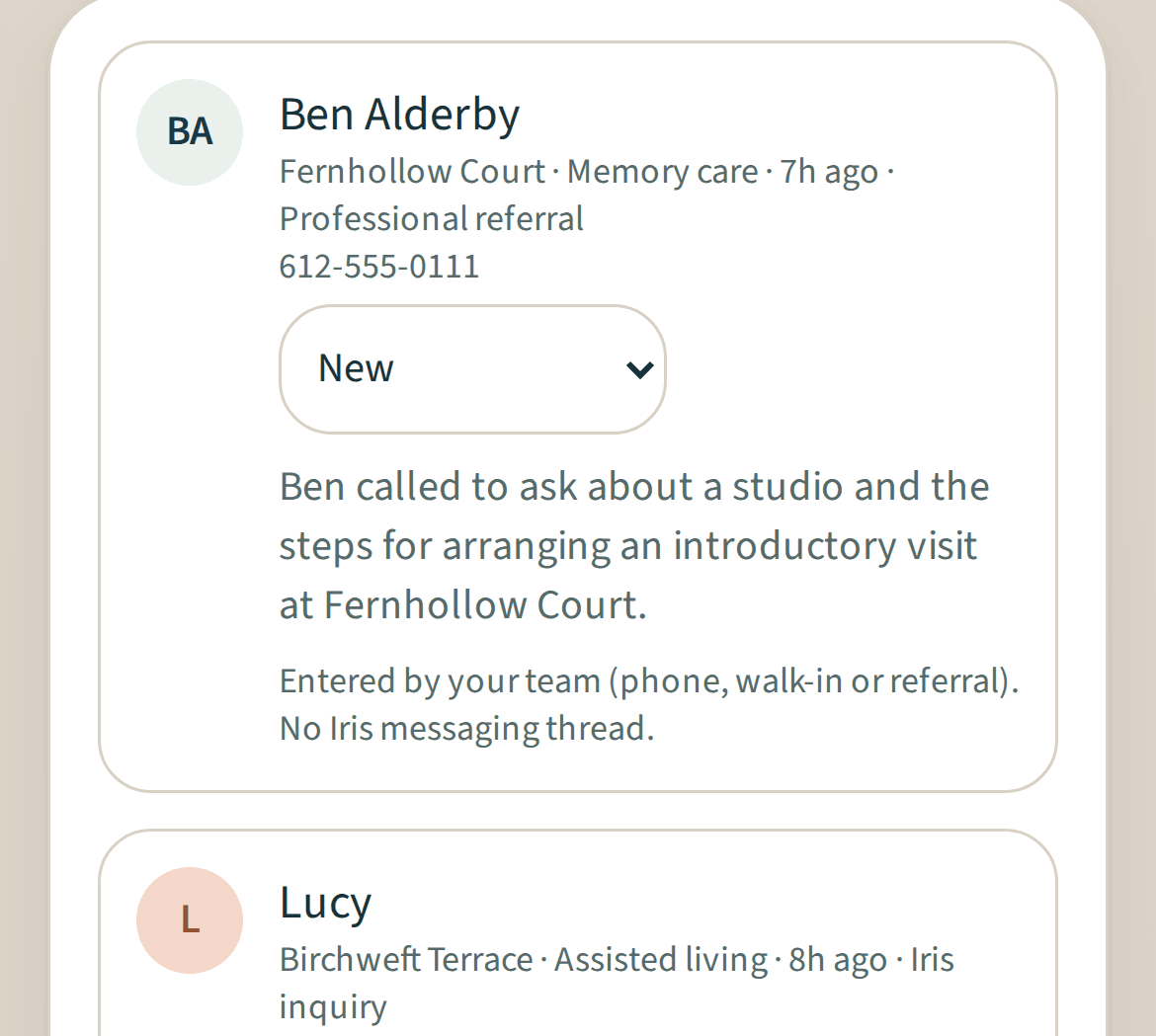
Phone calls and walk-ins too
Add leads that reach you by phone, in person or by professional referral, with the ways to pay and the room type they are interested in. They follow the same four stages.
On paid plans
Inquiry management
- email notifications for inquiries sent through Iris
- unread markers when a family writes back
- filter by community
- four lead stages
- eight lost reasons with an optional team note
- how quickly new inquiries move out of New, against a 4-hour target on your Overview
- manual leads with source, ways to pay and room interest
- spreadsheet export of your inquiries, message text left out
- inbox and replies laid out for phone screens
Explore Iris
Related features
Tour schedulingExample data 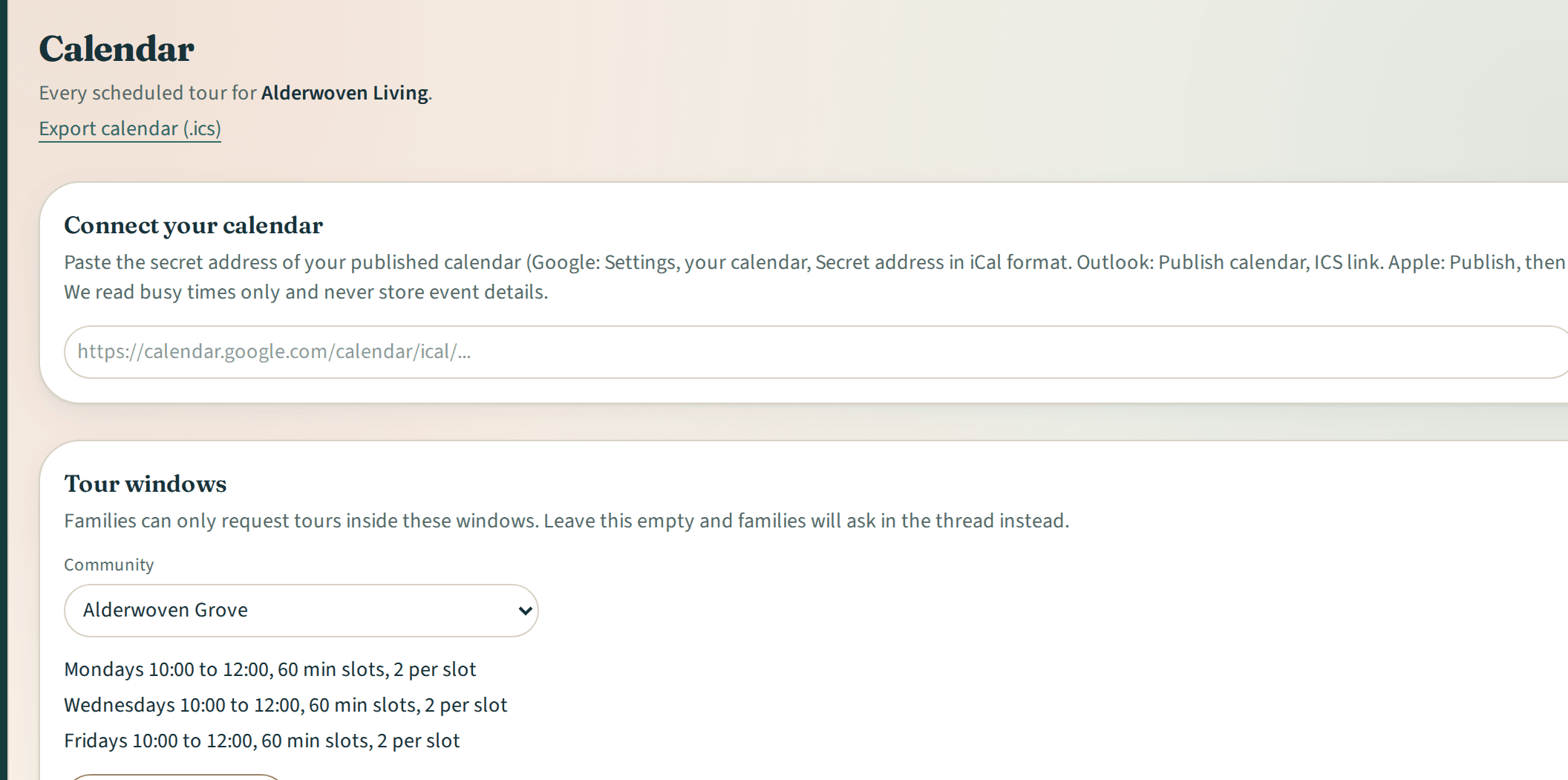
Tour scheduling
More details about Tour schedulingPayer fitExample data 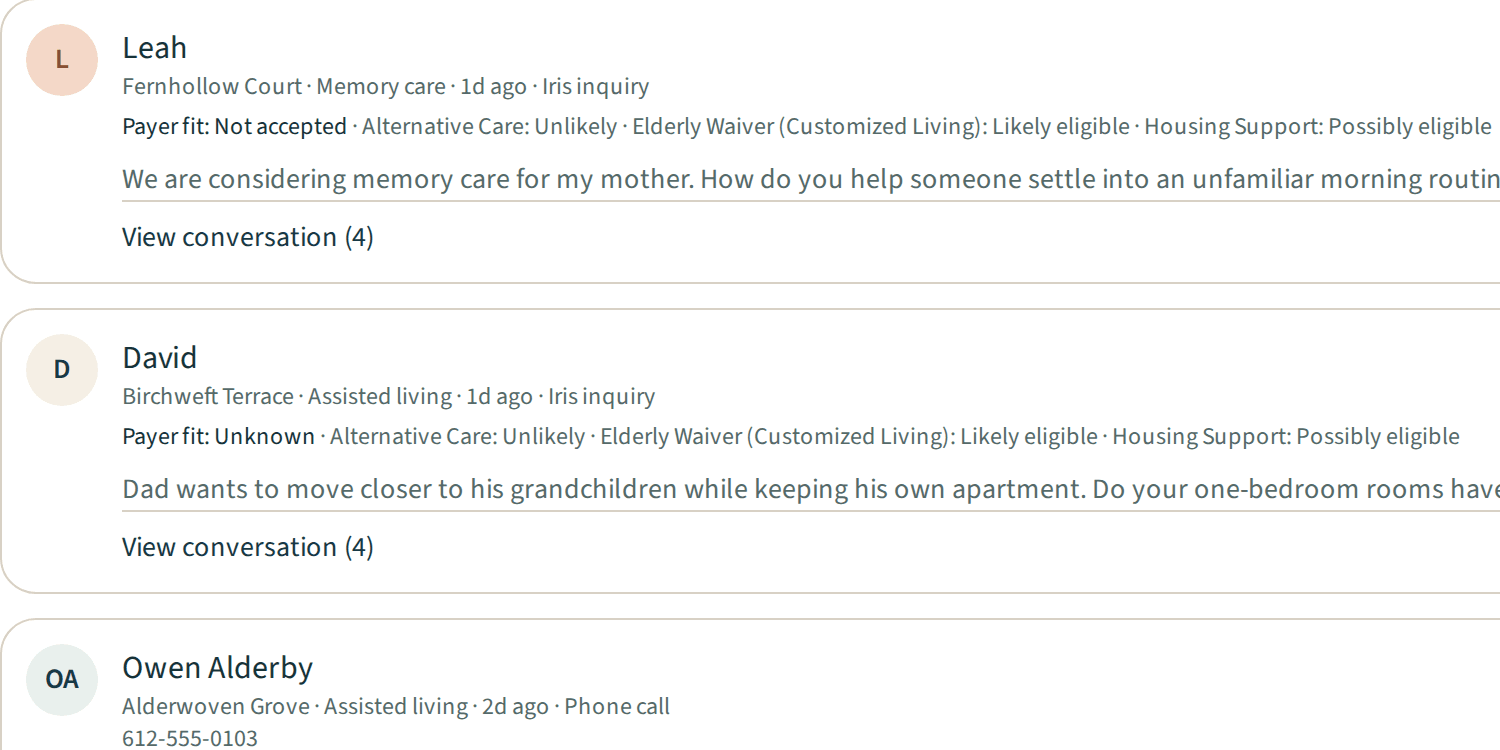
Payer fit
More details about Payer fitReportsExample data 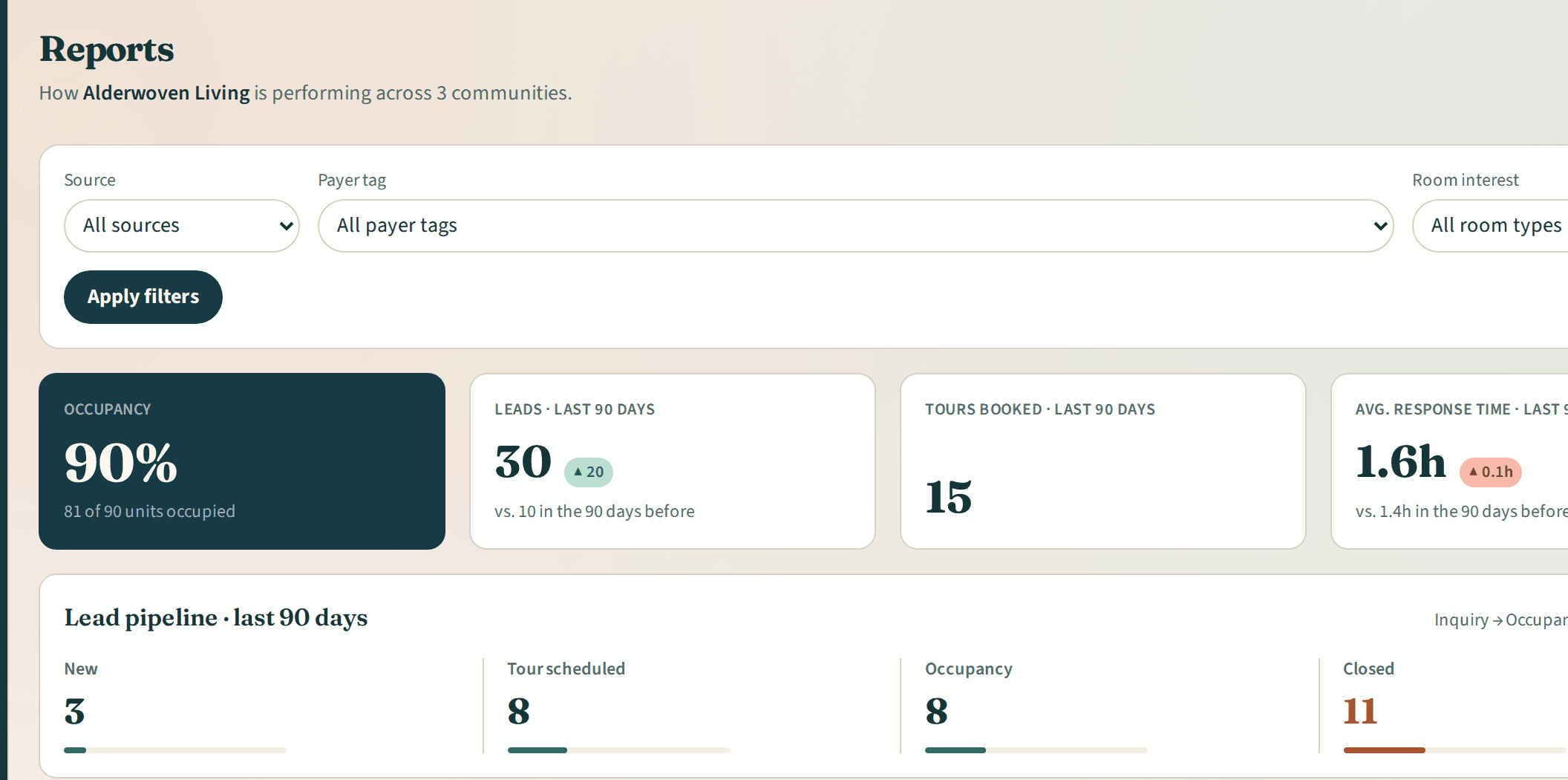
Reports
More details about Reports
Questions, answered