
Comments and updates
Keep your family on the same page.
Comment on documents and care steps, post to the family wall, and get email alerts that never include what was written.

Comments and updates
A thread on every item
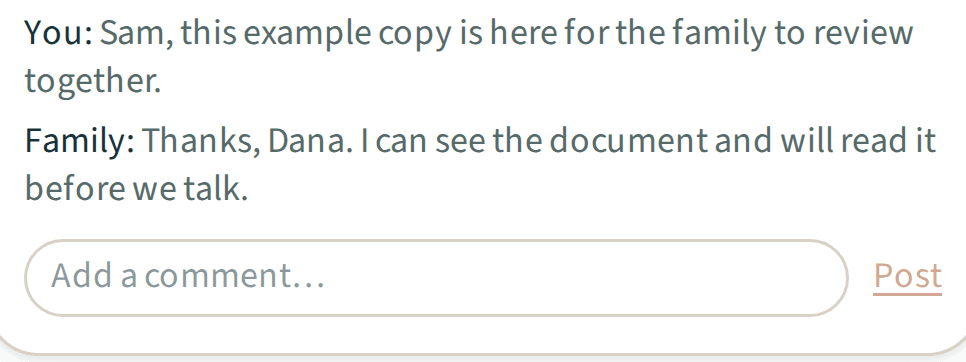
Each document and each care step has its own comment thread. Guests comment where you allowed it.
Comments and updates
The family wall
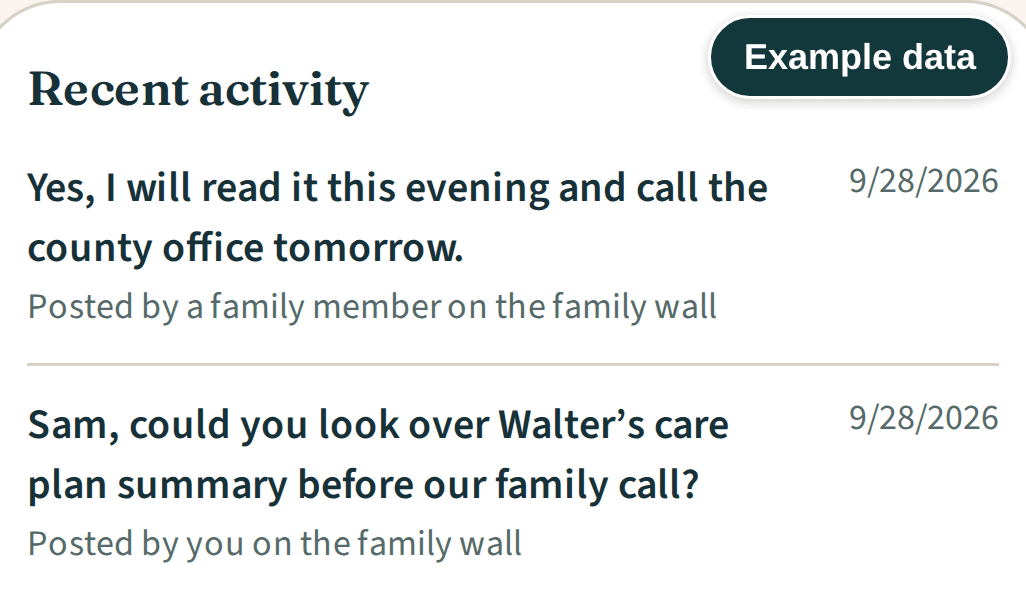
Post updates in Recent activity, next to new documents and care steps. You and guests with access to your whole vault can see it.
Comments and updates
Emails that only say something changed
Notification emails read "New update in your Get Bearings Plus vault" and never include the message or a document title.
Comments and updates
Who hears about it
When a guest posts, you get an email. When you post, every guest who accepted an invitation gets one, including guests who can't open that item.
Included
Comments and updates
- comment threads on documents
- comment threads on care steps
- the family wall
- Recent activity with new documents and care steps
- comment permission per guest and per item
- posts up to 2,000 characters
- notification emails without message text
- an email to you when a guest posts
- an email to your guests when you post
Explore Plus
Related features
GuidanceExample data 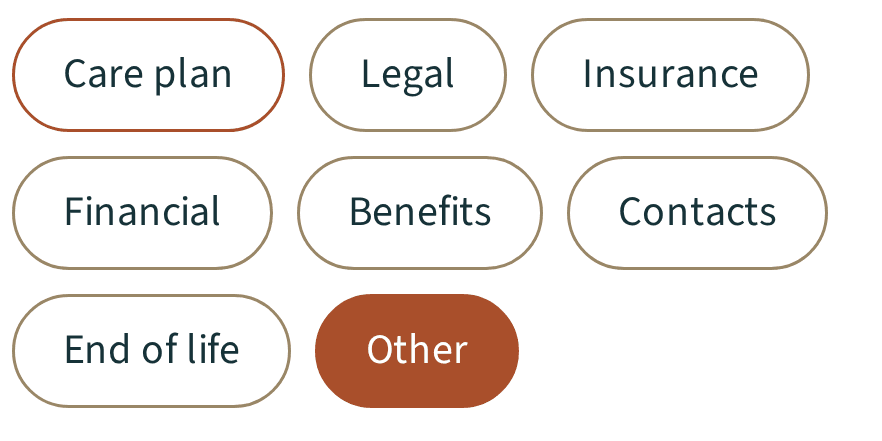
Guidance
More details about GuidanceDocumentsExample data 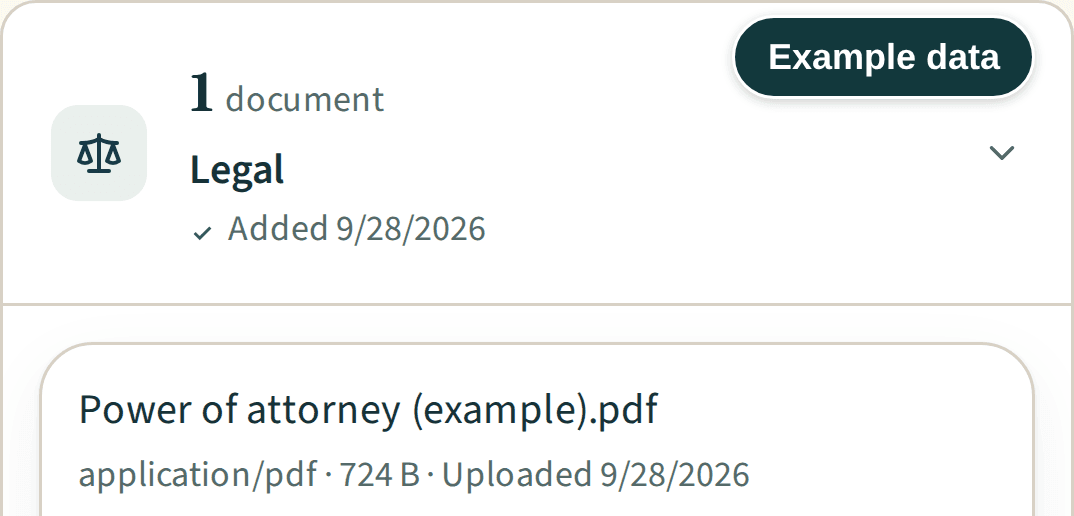
Documents
More details about Documents
Questions, answered
Plus FAQ
No. Comments are stored as plain text so the vault can show them. The files you upload are encrypted.
Only guests with access to your whole vault.
A line saying there is a new update in the vault, and a sign-in button.