
Family access
Share with exactly who you choose.
Invite family members by email to your whole vault, one person's file or single documents, and decide who can comment. You can remove invitations in Family access while Plus is active and after it expires or you cancel.

Family access
Invite by email
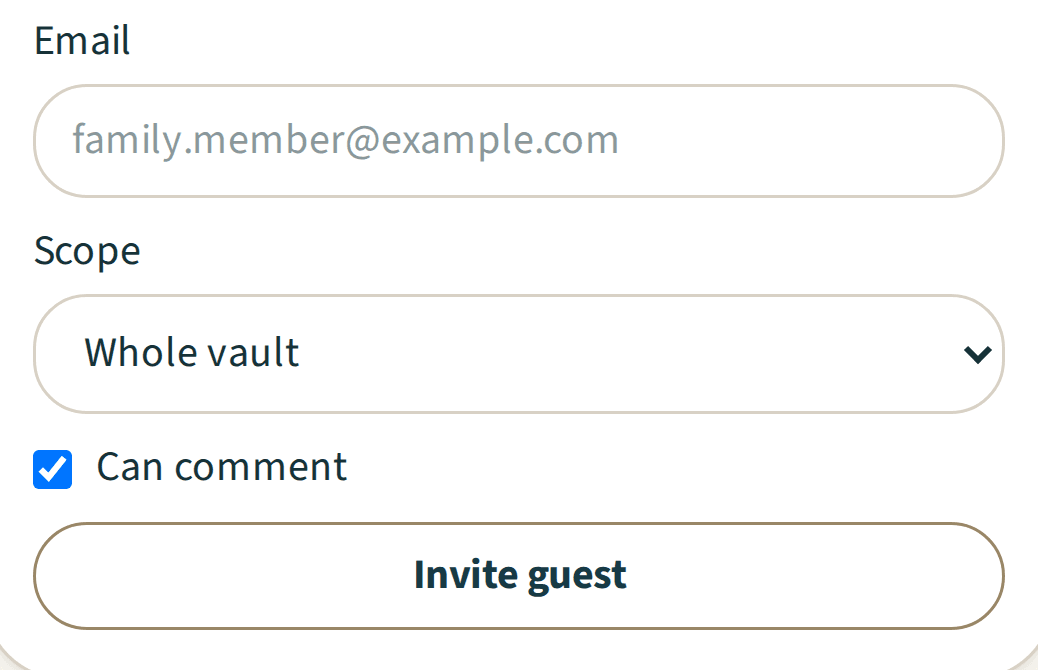
In Family access, enter an email address and choose the whole vault or one person's file. Tick "Can comment" to let them join the conversation.
Family access
Share a single document
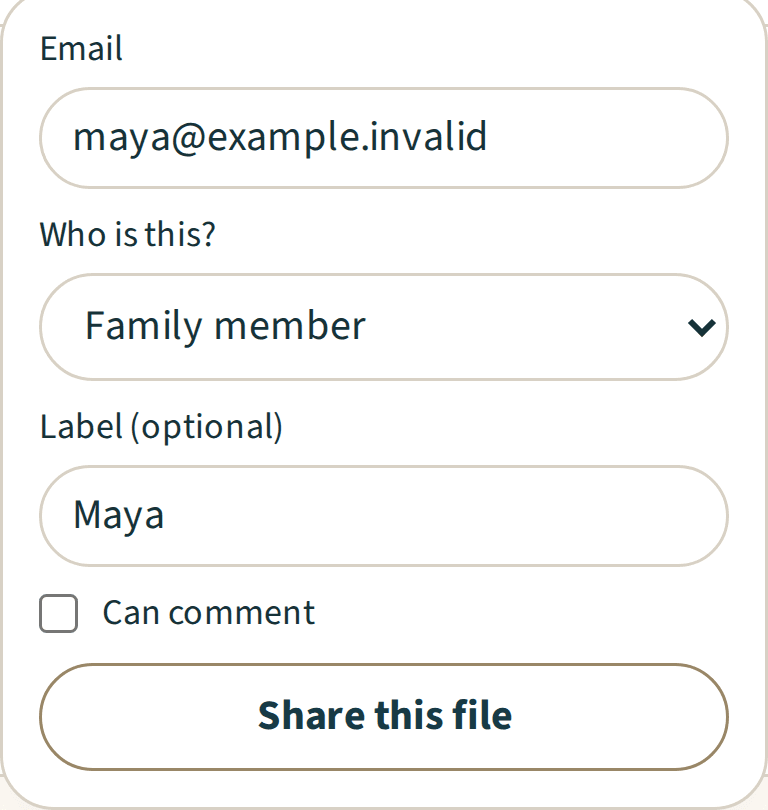
Share one file from its row, and add a name if you like. Each single-file share shows as a chip on the document. Removing the chip stops that share, but it does not remove access the person has through another invitation, such as one to your whole vault. Guests see only what you shared.
Family access
See who has access
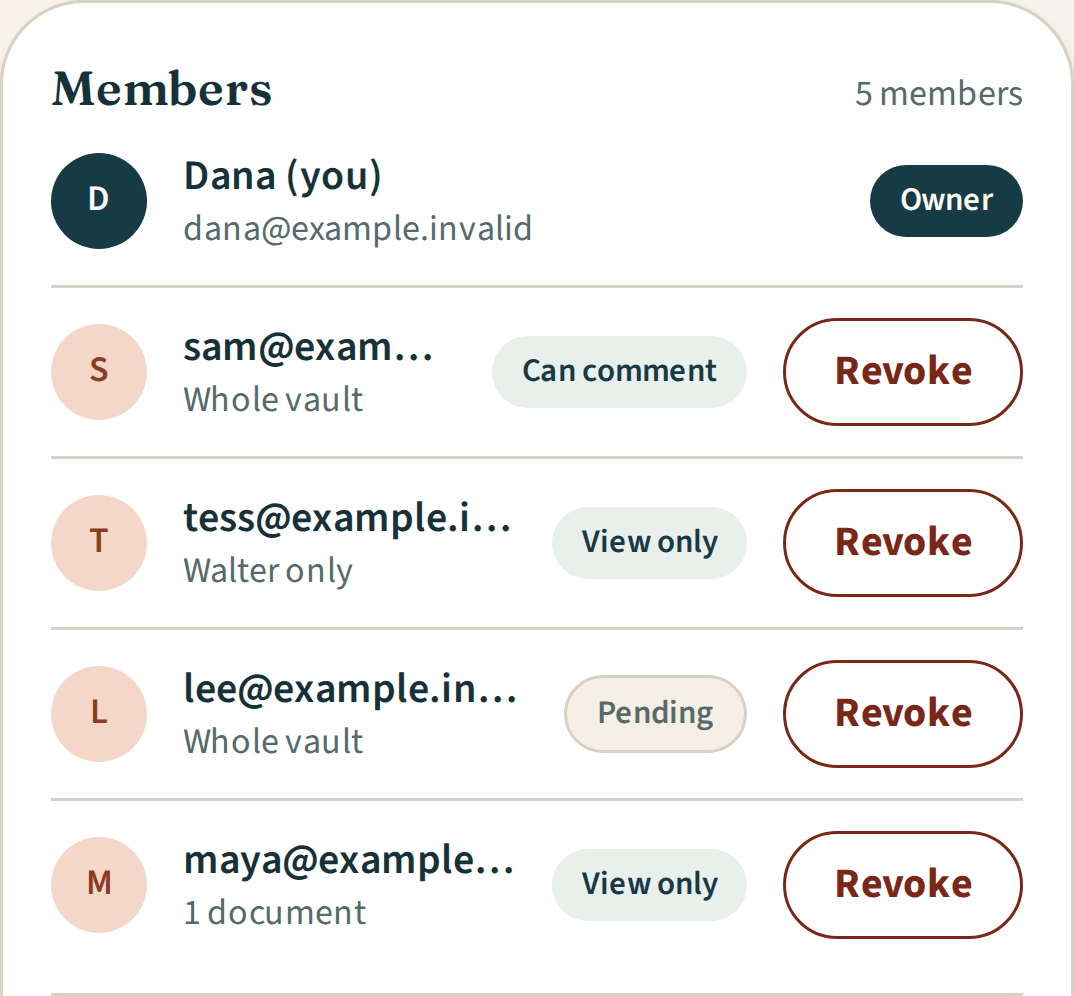
The Family access list shows each invitation, what it covers, and whether it is Pending, Can comment, View only or Mixed (some shared files allow comments and some do not). You get an email when someone accepts. You can remove invitations in Family access while Plus is active and after it expires or you cancel.
Family access
No password for your guests
Guests sign in with a link sent to the email address you invited. The first time, they add their first name and agree to the Terms and Privacy Policy. Guests do not need their own Plus.


Included
Family access
- whole vault, one person or single documents
- view only or can comment, set per invite
- comment permission per shared document
- no limit on the number of guests
- Pending until the invitation is accepted through guest access
- an email to you when a guest accepts
- remove invitations in Family access, including after Plus expires or you cancel
- remove a single-file share from its row, including after Plus expires or you cancel
- invite emails that never say what you shared
- no public link
- guests view, download and comment only
Explore Plus
Related features
Benefits trackerExample data 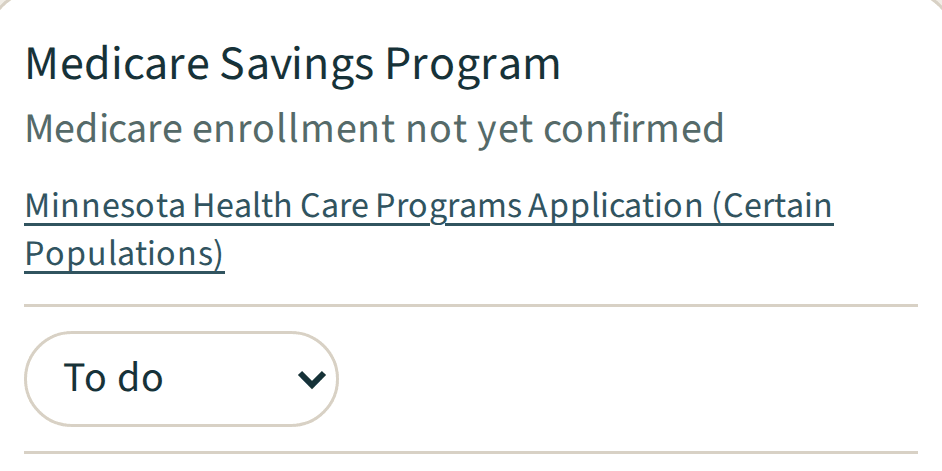
Benefits tracker
More details about Benefits trackerComments and updatesExample data 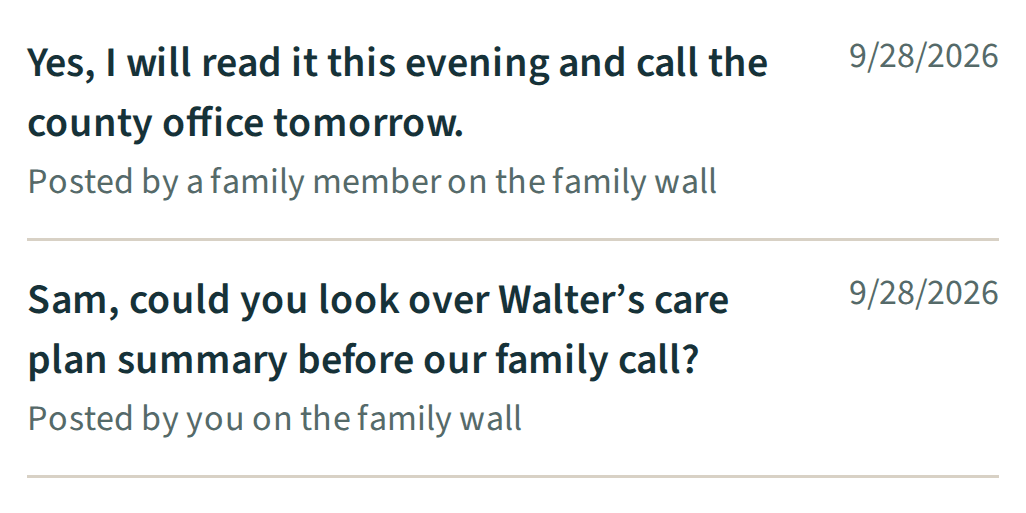
Comments and updates
More details about Comments and updates
Questions, answered